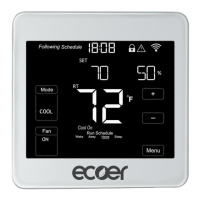
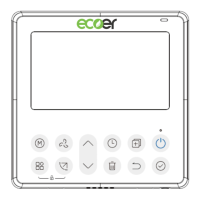
ECT Install and User Guide
Feb 2023
20 of 61
ECOER INC.
Manufacturer reserves the right to change specifications or designs without notice.
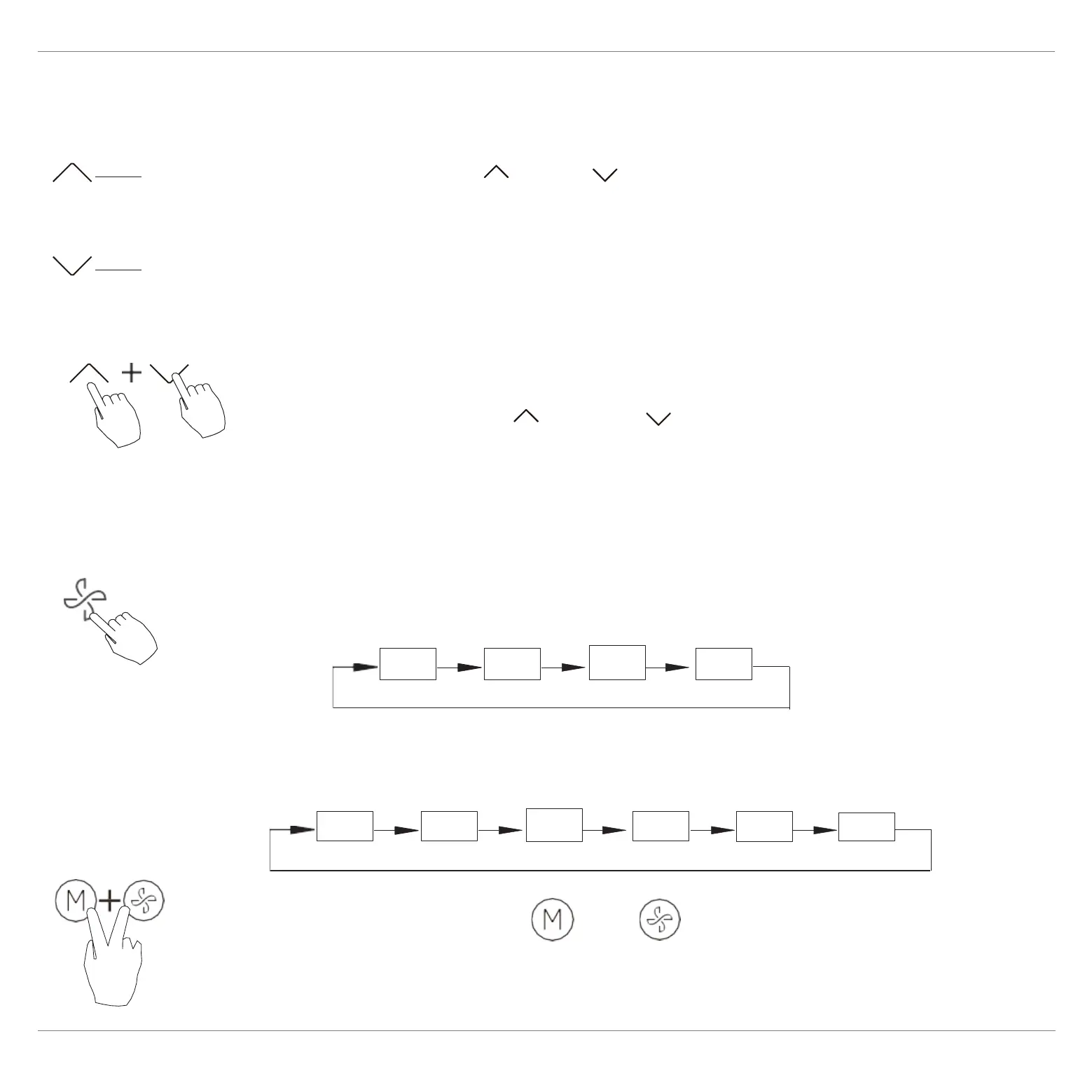
Press the button“ ”or “ ” to set the room
temperature. Indoor Setting Temperature Range :
10/16/17~30°C(50/60/62~86°F ) or 20~28°C(68~82°F ).
(Model dependent)
Auto LOW
MED
HIGH
Press the buttons and together for
3 seconds to turn on or turn off the keypad tone.
Auto
20% 40%
60%
80%
100%
Lower
Raise
Room temperature setting
Press the Fan speed button to set the fan speed. (This
button is unavailable under Auto or Dry mode)
°C & °F scale selection (on some models)
Press the buttons “ ” and “ ” for 3 seconds will
alternate the temperature display between the °C & °F
scale.
When stepless speed regulation is supported, press
the fan speed key to cycle through:
Fan speed setting


 To Next Page