8
EN
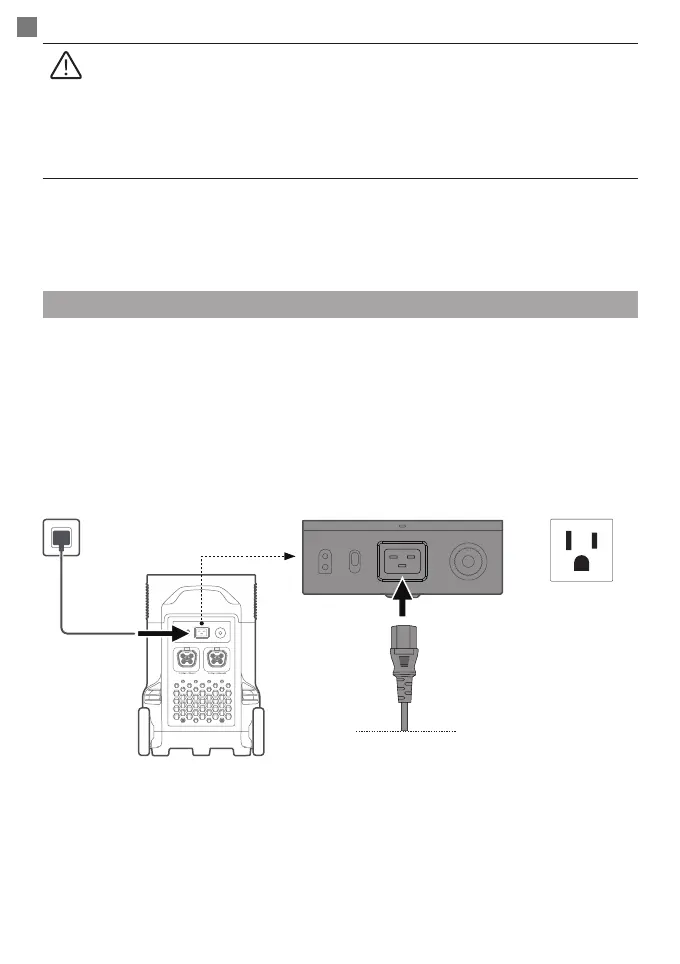
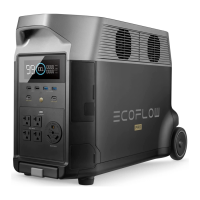
Charging DELTA Pro
EcoFlow’s X-Stream fast charging technology is specically for AC charging, offering 1800W of
max input power. You can control the charging power through the AC charging Speed Switch.
The default max input power for the AC charging speed is 400W, which can be modied in the
EcoFlow app.
In case of unusual situations where the AC input current remains higher than 20A, the X-Stream
charging input port will initiate a self-protection function, and the Overload Protection Switch on
the product will automatically pop up. After conrming that there is no product failure, you can
press the Overload Protection Switch to resume charging.
AC Charging
1. Please make sure that the product is turned on.
2. After the DC output power button is turned on, the product will not shut off
automatically.
3. Make sure that the sum power of all loaded devices is lower than that of the rated
power.
4. After 12 hours without any load for the AC output ports, the AC power button will
shut down automatically.
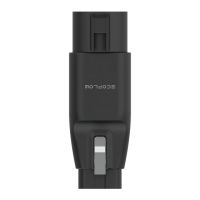
AC charging cable
X-Stream fast
charging 2875W Max
≈
Fully charged in 1.9hrs








 To Next Page