9
EN
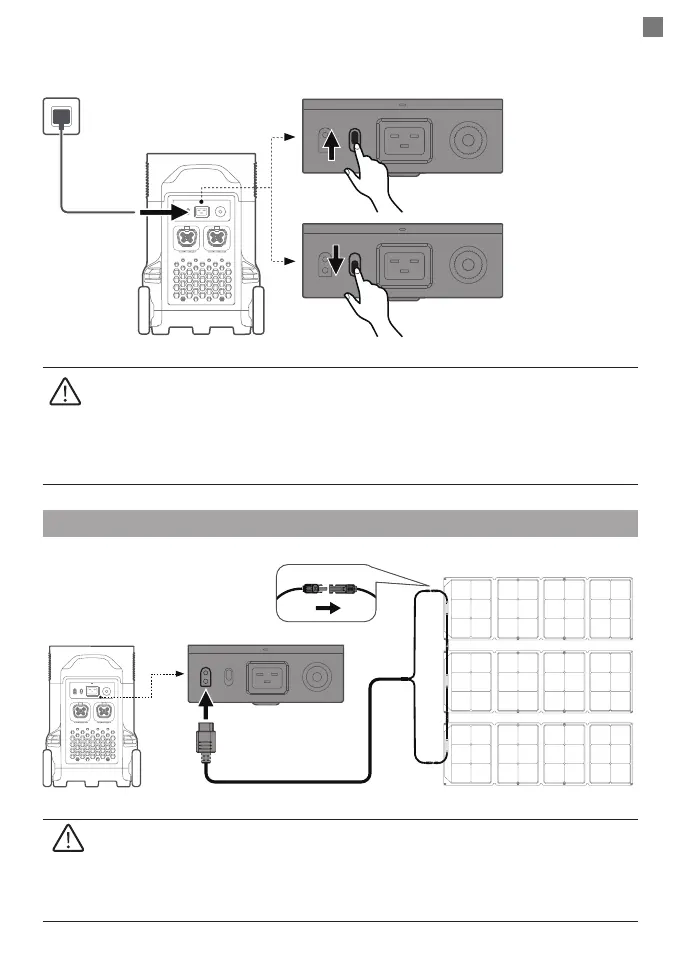
The charging power can be adjusted through the AC Charge Speed Switch on the back of the
product. You can set the charging power range in the EcoFlow App.
Solar Charging
Please use the AC Charging Cable included in the package for fast charging. Do
not use other cables to charge. Plug directly into an AC wall outlet and make sure
that the wall output current is more than 15A. Otherwise, reduce the unit charging
speed with the AC Charge Speed Switch. EcoFlow takes no responsibilities for any
consequences caused by failures to follow instructions, including but not limited to
charging with other AC charging cables.
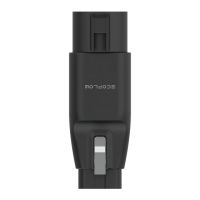
1. Solar charging cable (MC4-XT60 adapter cable) and the solar panel are supplied
separately.
2. When using an EcoFlow solar panel to charge the product, please follow the
instructions that come with the solar panel.
3. Before connecting the solar panel, please ensure that the solar panel’s output
voltage is within 150V to avoid product damages.
Solar charging cable*
Solar panel*
X-Stream charging:
2875W Max input
Customized charging
power: 200-2875W
(default: 400W)








 To Next Page