4
i
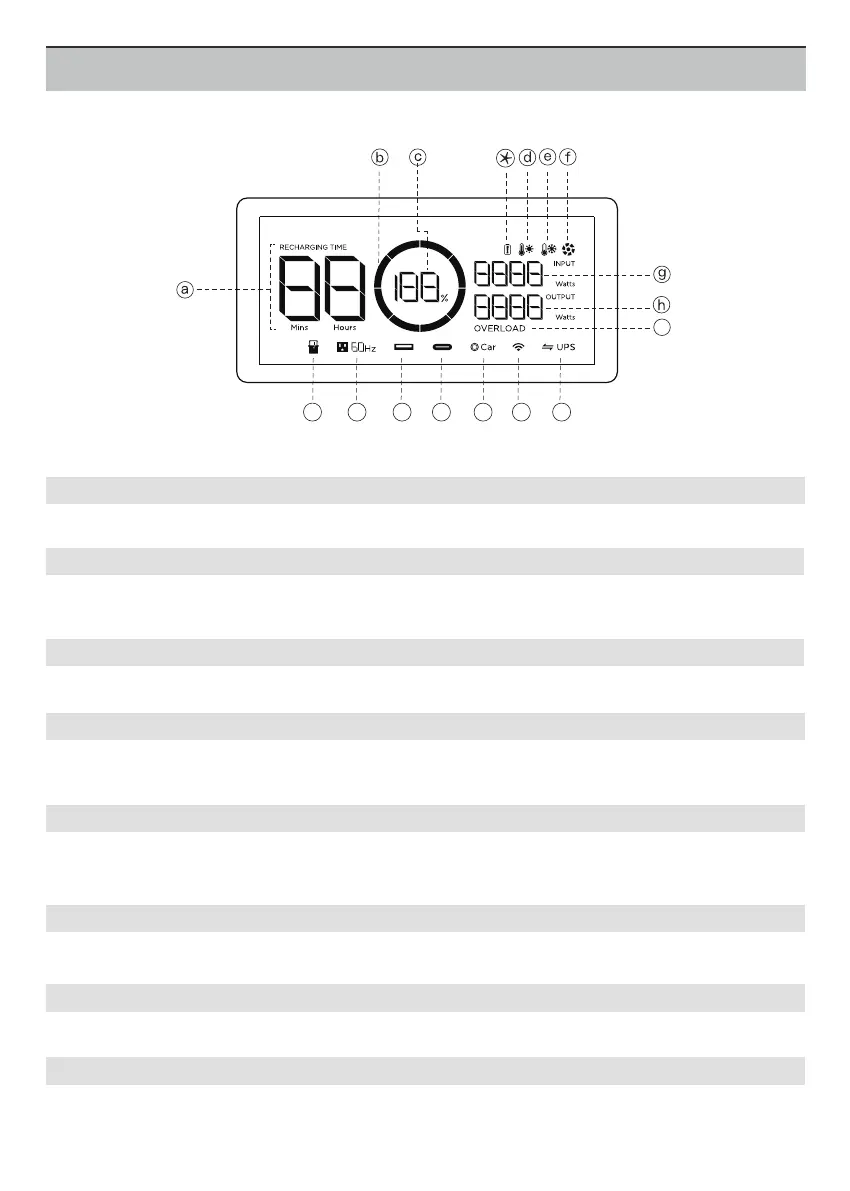
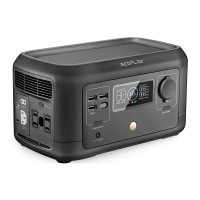
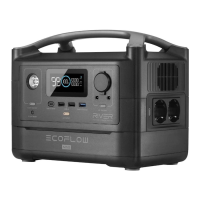
LCD Display
This number indicates the remaining charge / discharge time (mins) for RIVER Max.
a. Remaining Charge/Discharge Time
d. High Temperature Indicator
e. Low Temperature Indicator
f. Fan Indicator
g. Current Input
h. Current Output
Shows the fan speed, which is controlled by RIVER Max automatically.
Shows the current input power of RIVER Max in watts.
Shows the current output power of RIVER Max in watts.
Shows the remaining power (%). If the display shows 0%, please charge RIVER Max immediately.
b. Battery Level Indicator
c. Battery Level Percentage
Shows the remaining power. The icon rotates while charging. If the remaining power is equal to 0%, the icon
will flash to indicate a low battery warning. In this case, recharge the product.
When the temperature of the RIVER Max is too high, a high-temperature warning icon appears on the
screen. Please cool down the product before use.
When the temperature of the RIVER Max is too low, a low-temperature warning icon appears on the screen.
Please warm up the product properly before use.
j
k l
m n o p





 To Next Page