36
1. ICONS.
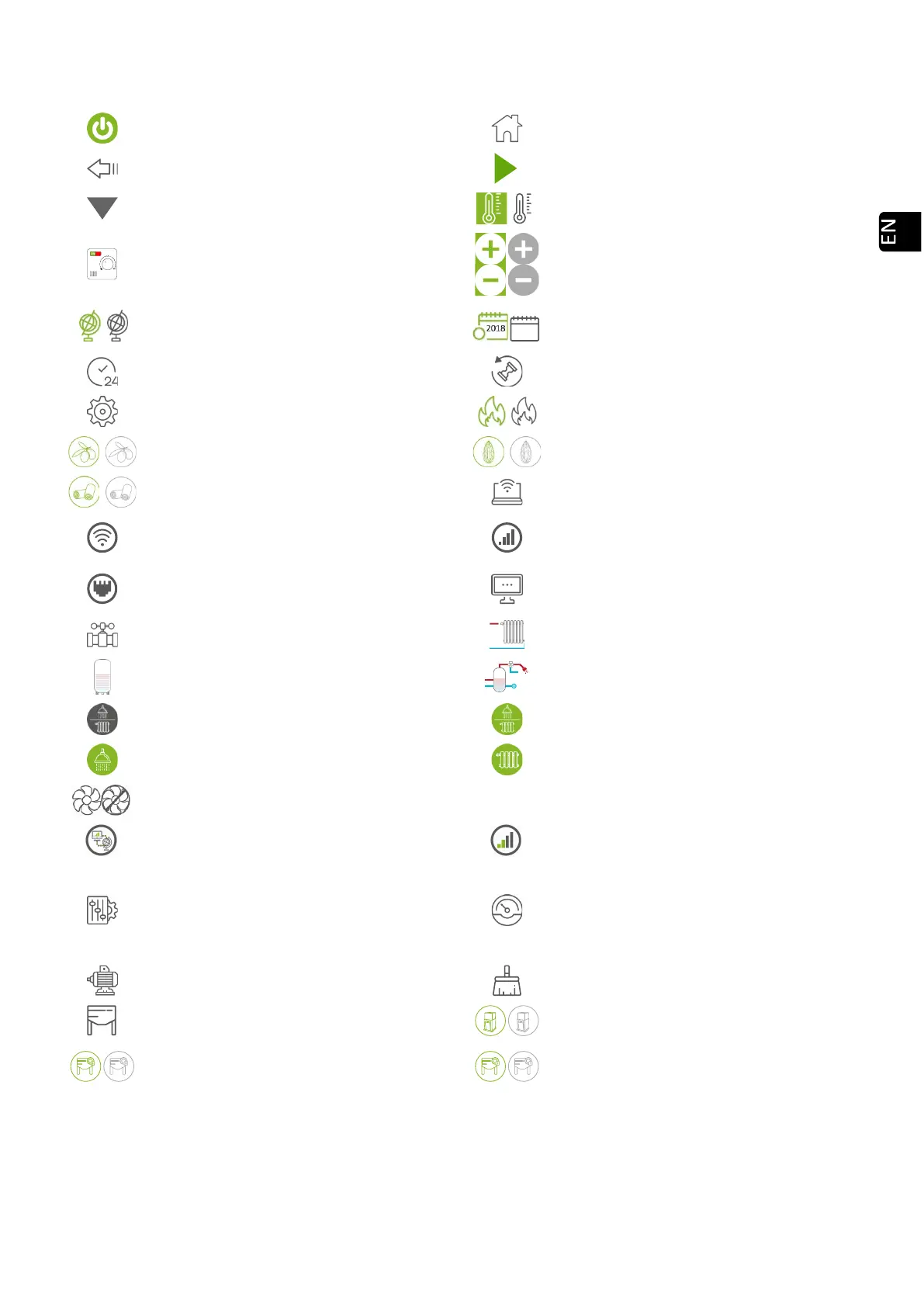
Power button (web). See section 2.
Back to main screen
Back to previous screen
Page info
Drop-down
Room temperature
Thermostat configured as control terminal
Raise -
temperature
Select language, time zone and DHW /
Heating mode (water models with DHW)
Access calendar programming
Access to day template
Access to week template
Access to settings menu
Access the fuel selection menú
Olive pit. Selected fuel / not selected
Almond shell. Selected fuel / not selected
Pellets. Selected fuel / not selected
Access to internet connection menu
Connectivity. Original WiFi network of the
machine
Connectivity. Connected to router via WiFi
Connectivity. Connected to router via
Ethernet
Acess to software version menu
Access to hydraulic diagram display
Zone setting
Buffer tank configuration
DHW configuration
Access to DHW/ heating selection menu
DHW + heating activated
DHW only activated
Heating only activated
EcoSILENCE mode on / off.
Network analysis.
Wifi signal strength meter.
Acess to offset menu
Access to menu mode selection
Only accessible by technical support
Access to technical assistance menu
Automatic cleaning system
External silo management
Pneumatic suction selected / not selected
Screw auger 3 probes. Selected / not
selected
Screw auger 1 probe. Selected / not
selected



 To Next Page