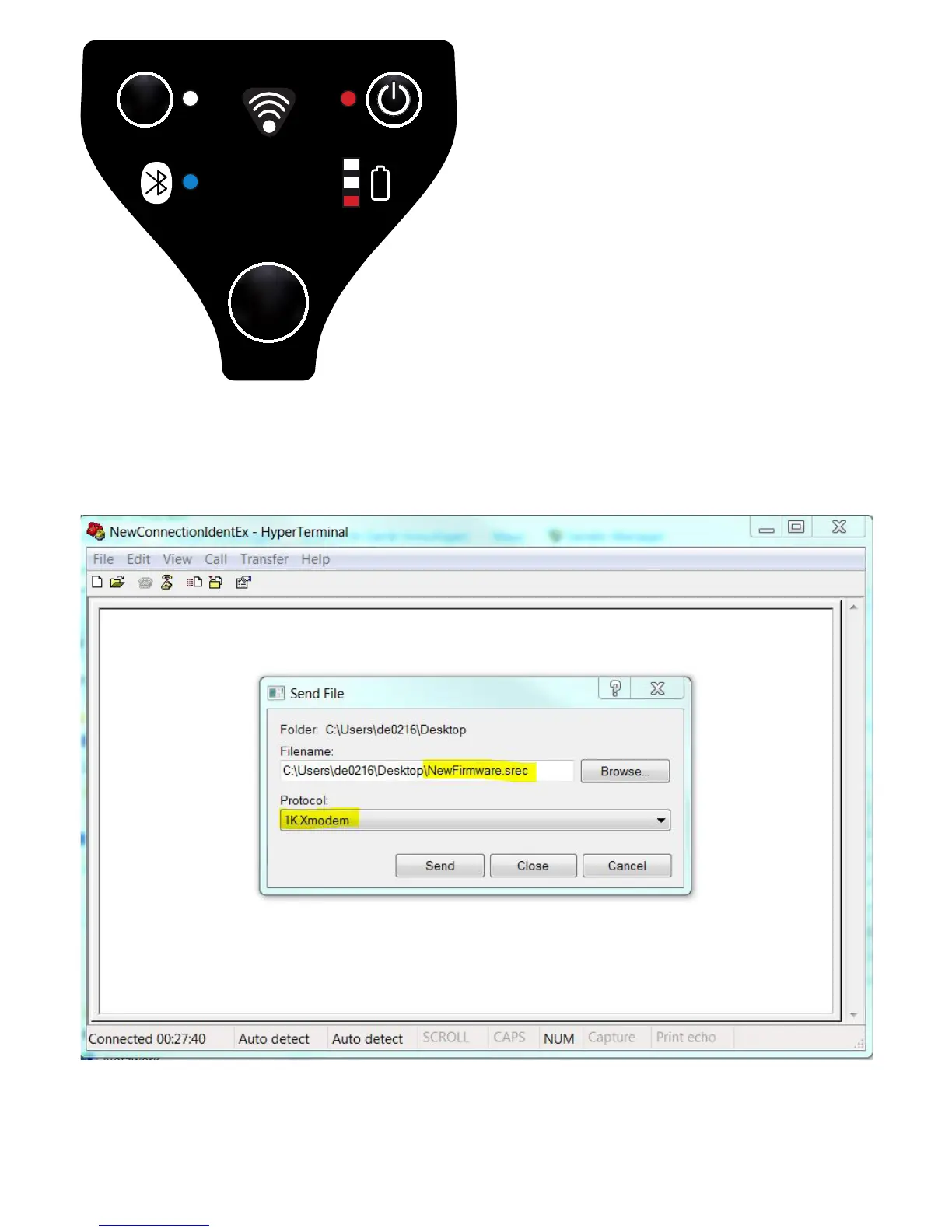
The next step is to send the le with the new rmware. In this case the le has
to be selected in the HyperTerminal, which can be opened through Transfer ->
Send File. Now select the le via Browse. The protocol 1K XModem has to be
selected for the transfer.
The transfer of the le will be started by pressing the „Send“ button.



 To Next Page