22 | Quick Start: Installing and setting up ShareScan
3 Double-click Properties.
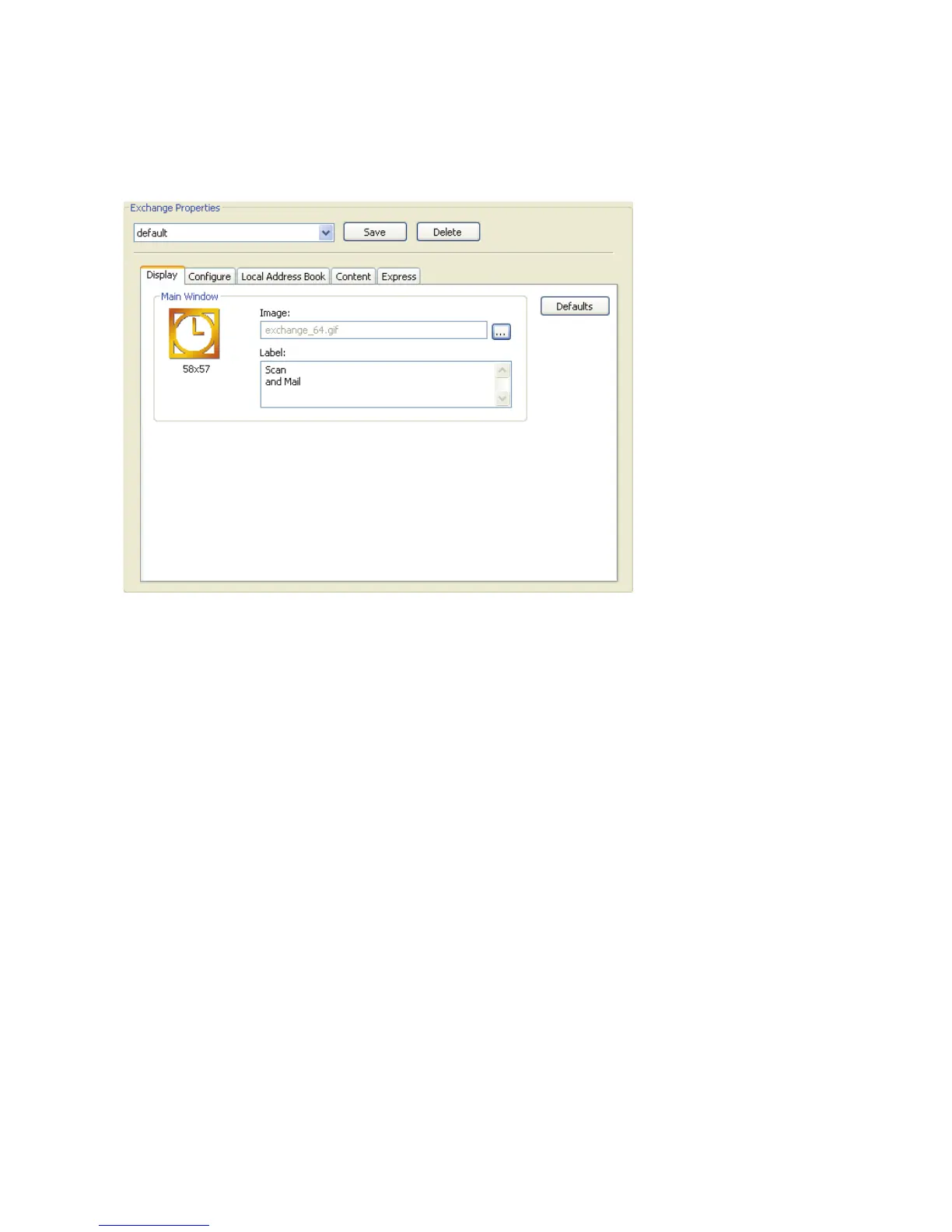
The Exchange Properties pane appears.
To configure the Display properties:
1 Select the Display tab.
2 To modify the image associated with the connector profile’s button, click the Browse
button next to the Image field, locate the image that you want to use, and then click
Open.
3 To modify the button label, click in the Label field and enter the new text.
4 Click Save.
The Save Profile window opens.
5 Enter exchange_express as the name of the profile, or leave “default” as the name, and
then click Save.


 To Next Page
 Loading...