eCopy ShareScan
®
Installation and Setup Guide | 23
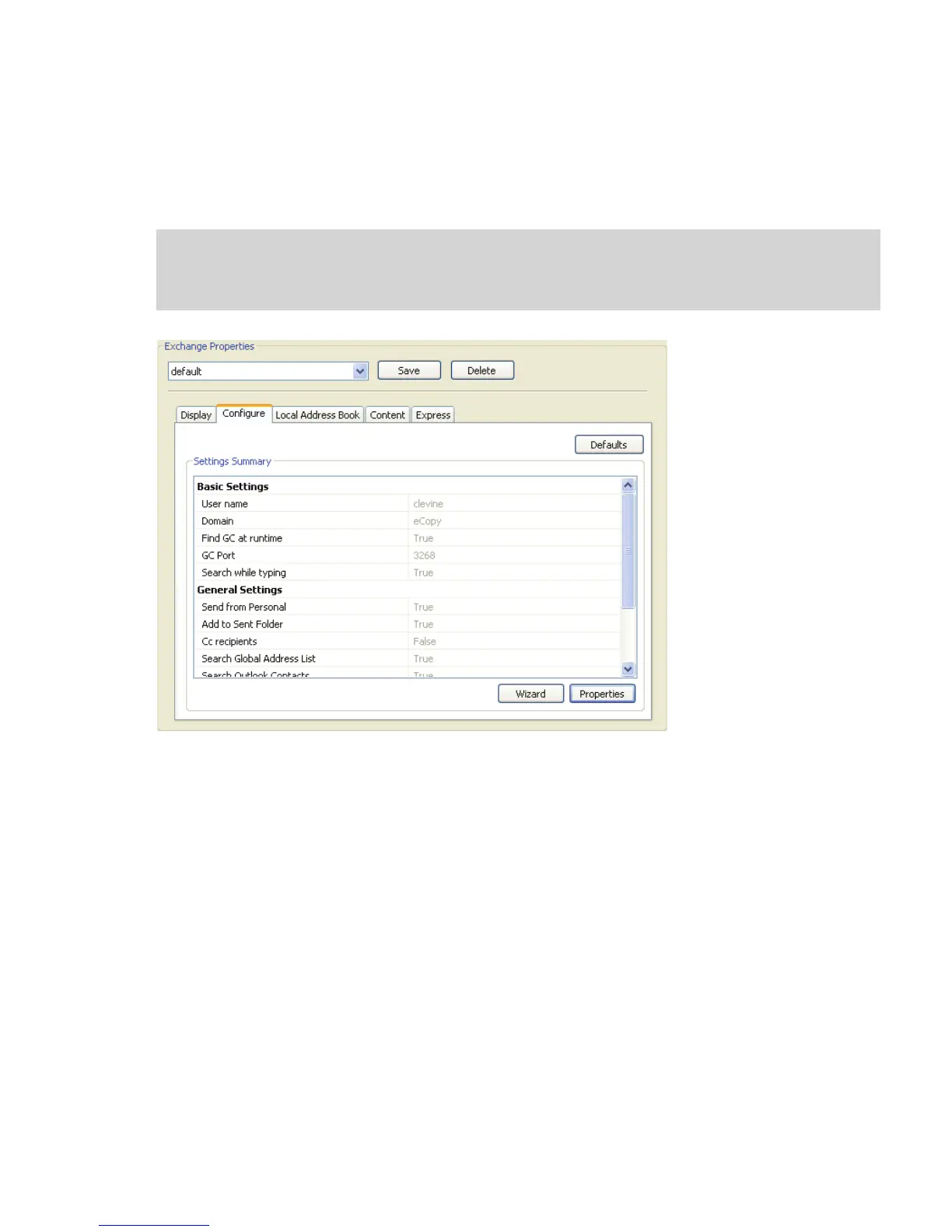
To configure the ShareScan User properties:
1 Select the Configure tab. This tab looks a little different for each connector, but most of
the connectors, especially the e-mail and fax connectors, contain similar types of settings.
Note: Some connectors, such as the Exchange Connector, include a Wizard that walks you through
the standard environment settings. For information about using the Wizard to initially
configure an Exchange connector profile, see page 97.


 To Next Page
 Loading...