26 | Quick Start: Installing and setting up ShareScan
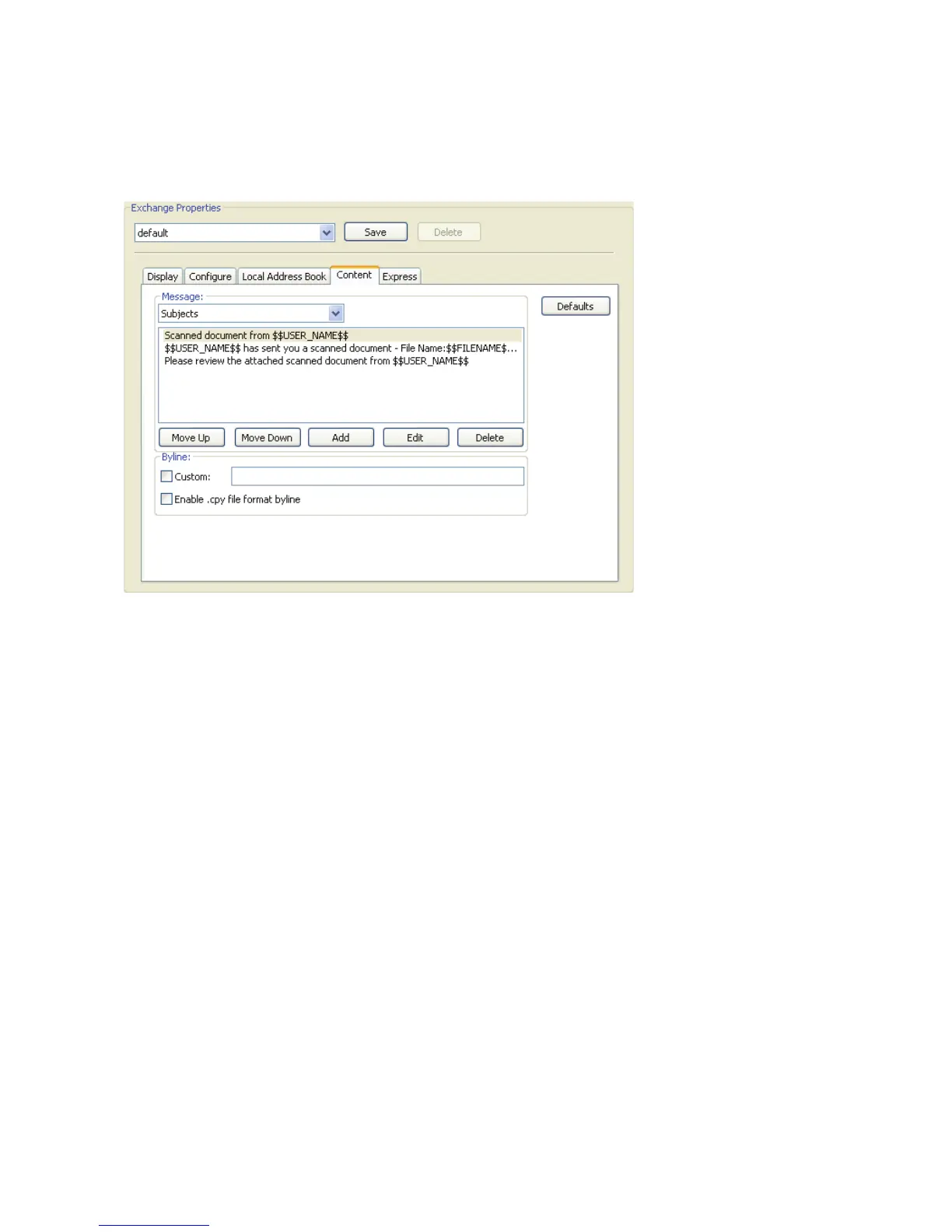
To configure the Content properties:
1 Select the Content tab.
2 To specify the default subject that will be available to the user at the device, select it in the
Subjects list. The user can accept the default subject or enter a new subject.
3 To specify the default note, select Notes in the Message area and then select a note.
4 The Content tab enables you to specify the default subject or note information that will be
available to a user at an eCopy-enabled device.
5 Click Save to save changes to the profile.


 To Next Page
 Loading...