eCopy ShareScan
®
Installation and Setup Guide | 27
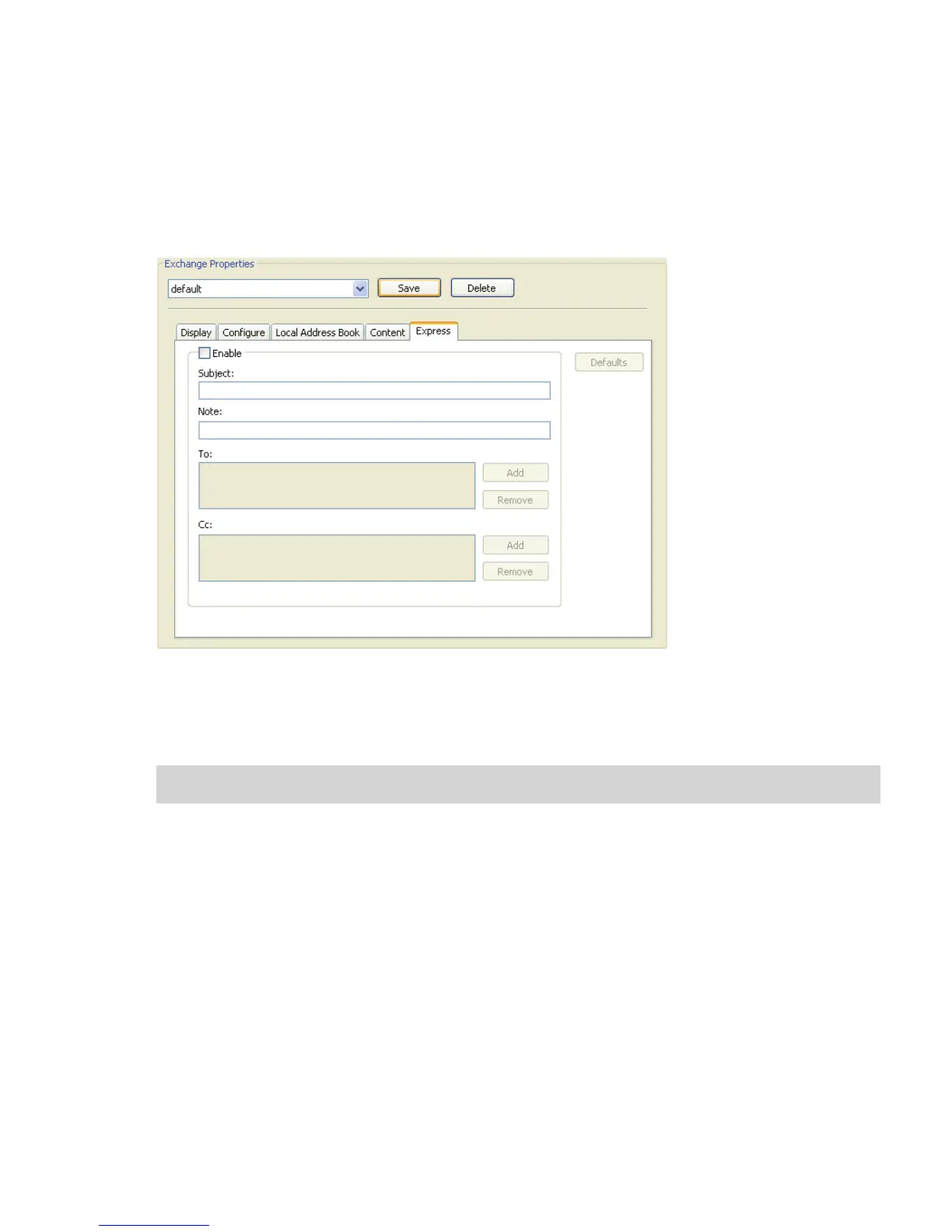
To configure Express properties:
1 Select the Express tab.
This feature enables you to create a profile that minimizes user interaction at the device;
the Send screen will not appear on the Client screen at the device.
2 Select the Enable check box.
3 Enter information in the Subject and Note fields.
The user at the device will not have to specify a subject line or a note.
Note: The connector will not use the default subject line or notes specified on the Content tab.


 To Next Page
 Loading...