36 | Quick Start: Installing and setting up ShareScan
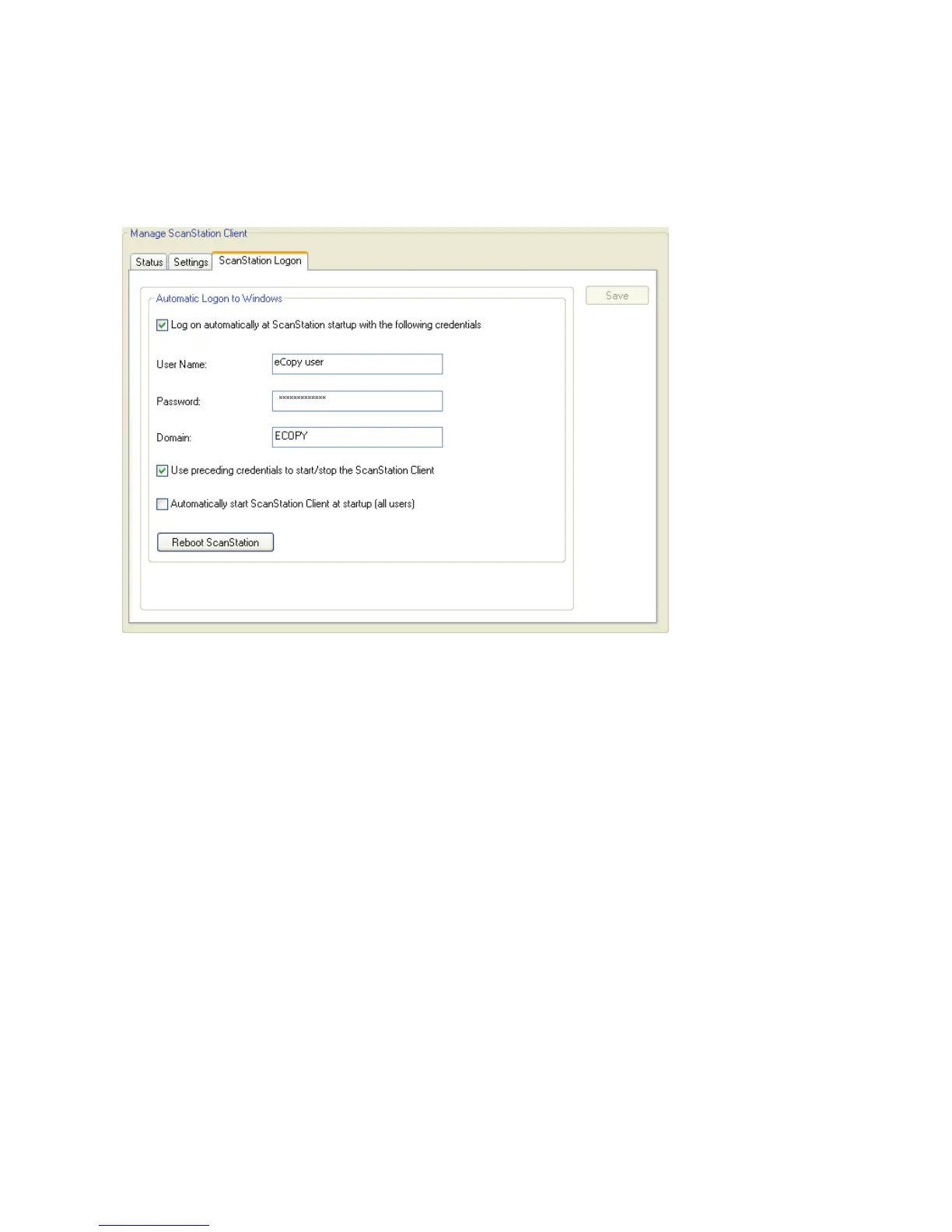
3 Select the ScanStation Logon tab.
You must specify logon credentials on this tab. The Client will not start if the credentials
fields are blank.
4 To specify your logon credentials:
■ Select the Use preceding credentials to start/stop the ScanStation Client check
box.
■ Enter your user name, password, and domain.
■ Click Save.



 To Next Page