eCopy ShareScan
®
Installation and Setup Guide | 37
To start the Client:
1 Select the Status tab.
2 Under Client Status, click Start.
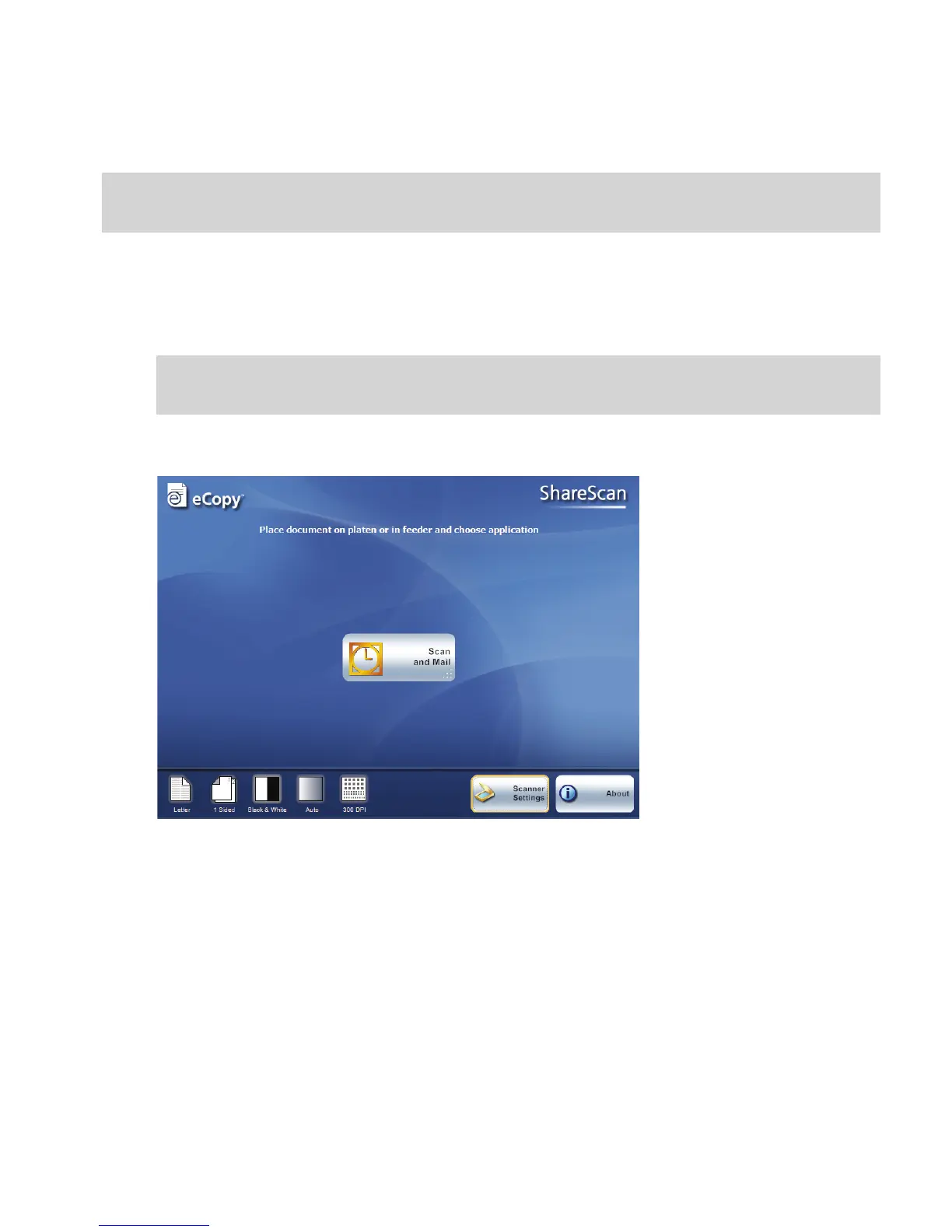
The Client appears on the device’s touch screen.
A button appears for each connector that you have configured for the device.
Note: If you are using ShareScan on a Windows Vista operating system, you must start the Client by
selecting Start > Programs > eCopy Applications > ScanStation Client.
Note: Depending on the device that is connected to the ScanStation, you may be prompted to select
the device the first time that you start the Client or the first time that you select a connector.



 To Next Page