7
EN
1. Important Safety Instructions
SAVE THESE INSTRUCTIONS
To disable Wi-Fi module on DEEBOT, power the
robot ON.
Place the robot on the Docking Station making
sure the Charging Contacts on DEEBOT and the
Docking Station Pins make a connection.
Press and hold the AUTO Mode Button on the
robot for 10 seconds until DEEBOT emits 3
beeps.
To enable Wi-Fi module on DEEBOT, power
the robot OFF and then power ON. The Wi-Fi
module is turned on when DEEBOT is restarted.
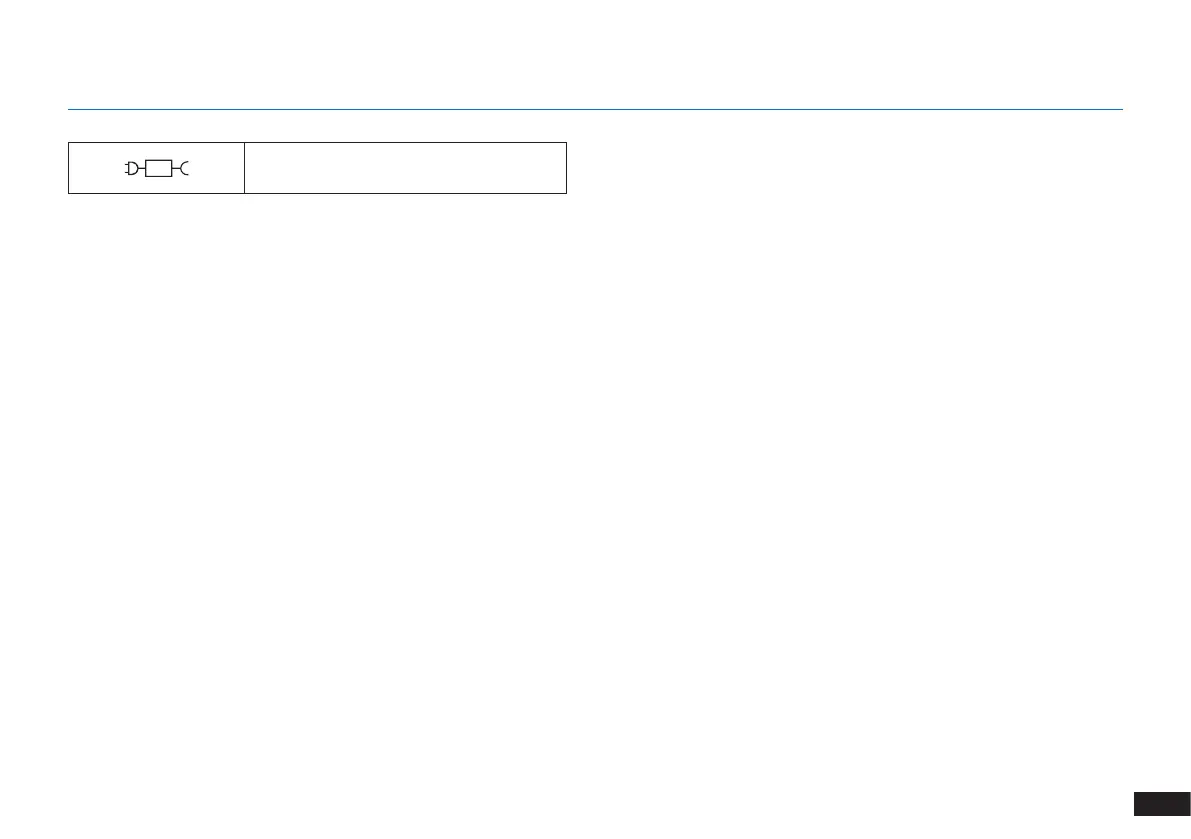
detachable supply unit




 To Next Page