EasyManua.ls Logo

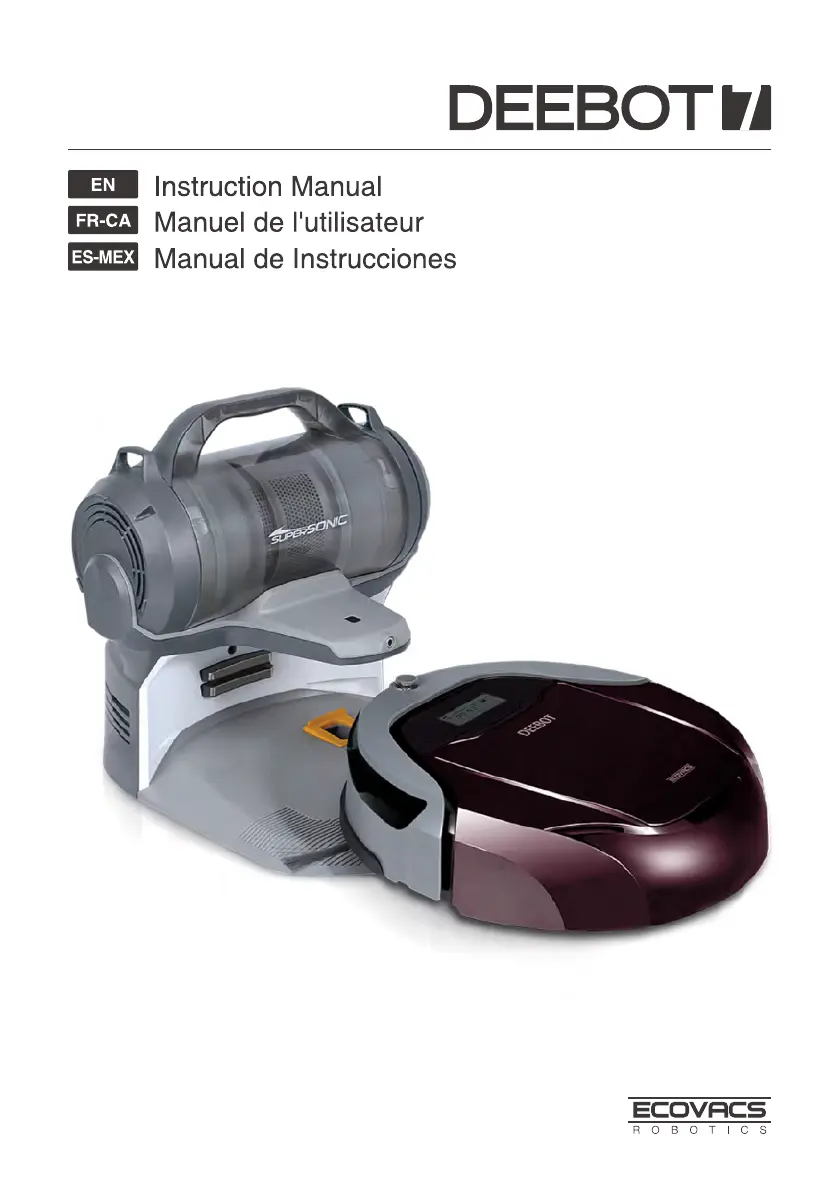
ECOVACS ROBOTICS DEEBOT D79 - User Manual

ECOVACS ROBOTICS DEEBOT D79
72 pages
Print Icon
To Next Page IconTo Next Page
Loading...

Questions and Answers

  • A
    adamsmithAug 5, 2025
    How to fix ECOVACS ROBOTICS DEEBOT D79 Vacuum Cleaner DEEBOT 7 when it will not charge?
    • J
      Jeremy BranchAug 6, 2025
      If your ECOVACS ROBOTICS Vacuum Cleaner DEEBOT 7 isn't charging, first, ensure the Bottom Power Switch is in the ON position. Check that DEEBOT 7 is correctly connected to the Charging Dock Pins; manually adjust if needed. Make sure the Charging Dock is plugged in and the robot’s Bottom Power Switch is ON to avoid battery drain. If the battery is completely discharged, try reactivating it by placing DEEBOT 7 on the Charging Dock by hand, removing it after charging for 3 minutes, and repeating this process three times before charging normally.
  • J
    Joseph GonzalezAug 15, 2025
    Why does ECOVACS ROBOTICS DEEBOT D79 Vacuum Cleaner DEEBOT 7 return to the Charging Dock before it finishes cleaning?
    • M
      Michael WilsonAug 16, 2025
      There are several reasons why your ECOVACS ROBOTICS Vacuum Cleaner DEEBOT 7 might return to the Charging Dock before finishing cleaning. This is normal if the battery is low, as DEEBOT 7 automatically switches to Return to Charger Mode. The working time can vary depending on the floor surface, room complexity, and the selected Cleaning Mode. Ensure that the Bottom Power Switch on the bottom of the robot is turned ON, and keep DEEBOT 7 powered ON and on the Charging Dock to ensure it has a full battery. If the Intelligent Scheduling function is cancelled, please refer to section 3.4 Intelligent Scheduling for details.
  • J
    James DeanAug 26, 2025
    What to do if the ECOVACS ROBOTICS DEEBOT D79 DEEBOT 7 remote control is not working?
    • K
      Kathryn MartinAug 26, 2025
      If the remote control for your ECOVACS ROBOTICS Vacuum Cleaner DEEBOT 7 isn't working, first replace the batteries, ensuring they are correctly installed. Make sure DEEBOT 7’s Bottom Power Switch is ON and the battery is fully charged. Clean the Infrared Emitter on the Remote Control and DEEBOT 7’s Infrared Receiver with a dry cloth. Also, avoid using the Remote Control near other equipment that uses infrared signals.

Summary

Important Safety Instructions

Package Contents and Technical Specifications

Package Contents Overview

Lists all the items included in the product packaging for DEEBOT.

DEEBOT Technical Specifications

Details electrical and model specifications for the robot and its accessories.

Product Diagrams and Parts

Illustrates the robot, control panel, charging dock, and handheld vacuum cleaner components.

Operating and Programming DEEBOT

Pre-Cleaning Preparation Notes

Provides pre-cleaning checks and environmental considerations for safe robot operation.

DEEBOT Quick Start Guide

Guides through initial setup steps like charging dock placement, brush installation, and powering on.

DEEBOT Cleaning Mode Selection

Explains the different cleaning modes available and how to select them on the robot.

Programming DEEBOT Schedules

Details how to schedule automatic cleaning times for the DEEBOT robot.

DEEBOT Status Indicator Icons

Describes the meaning of various indicator lights and error codes on the robot's control panel.

Handheld Vacuum Cleaner Operation

Covers assembly, operation, and usage of the detachable handheld vacuum cleaner.

DEEBOT Maintenance Procedures

Dust Bin and Filter Maintenance

Instructions for cleaning and maintaining the robot's dust bin and its filters.

Main and Side Brush Maintenance

Steps for cleaning the robot's main brush and side brushes for optimal performance.

Other Component Cleaning

Guidance on cleaning universal wheels, sensors, and charging contacts on the robot.

Handheld Vacuum Cleaner Upkeep

Procedures for cleaning the handheld vacuum cleaner and its components after use.

DEEBOT Troubleshooting Guide

ECOVACS ROBOTICS DEEBOT D79 Specifications

General IconGeneral
ManufacturerECOVACS ROBOTICS
ModelDEEBOT D79
CategoryVacuum Cleaner
Suction Power1000 Pa
Cleaning ModesAuto, Spot, Edge
Remote ControlYes
SchedulingYes
Charging Time3-4 hours
Runtime90 minutes
Battery Capacity3000 mAh
Filter TypeHigh-Efficiency Filter
TypeRobot
Battery TypeNiMH
Compatible Floor TypesHard floor, Carpet
Dimensions330 x 330 x 92 mm

Related product manuals