15
EN
1
3
3. Operating and Programming/3.5 Operating DEEBOT
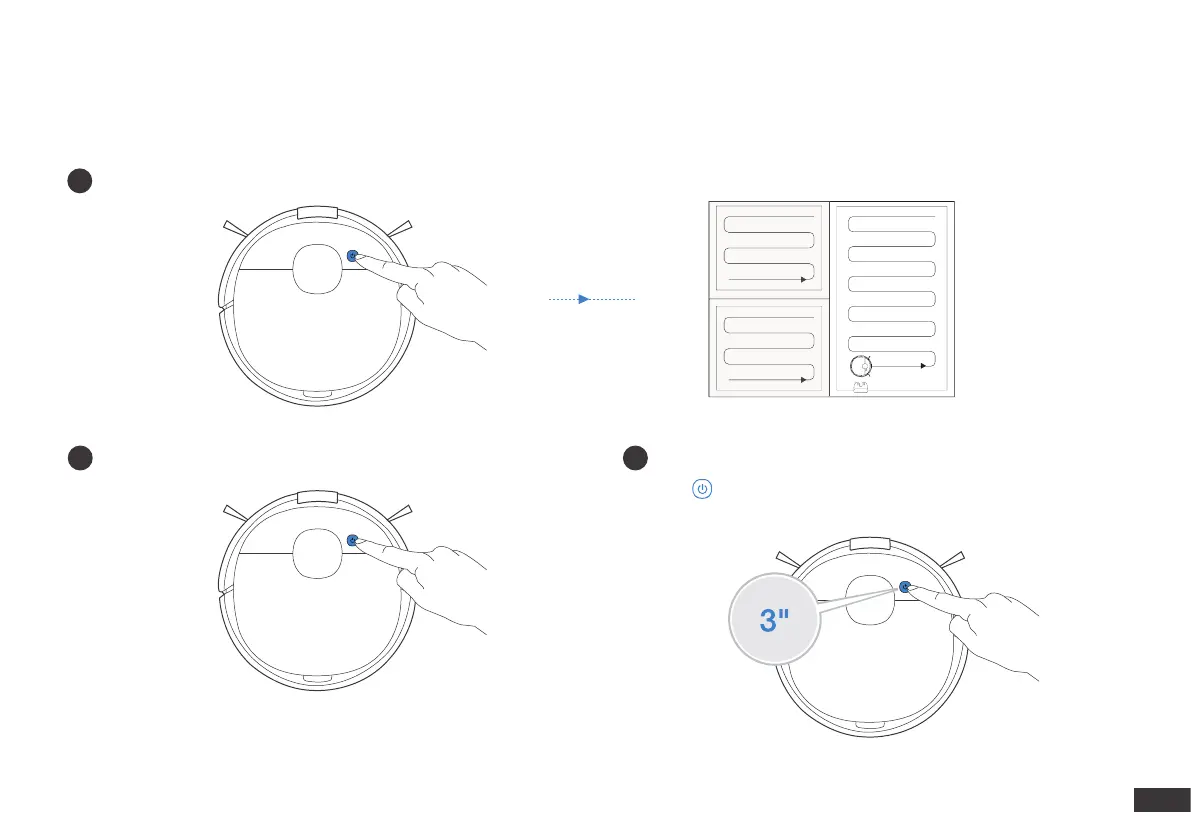
During the rst cleaning, please supervise DEEBOT and assist it should there be a problem.
Pressing
for 3 seconds to send DEEBOT back to the Docking
Station.
Start
2
Pause
Return to Charge
Note: The robot’s Control Panel stops glowing after the robot is
paused for a few minutes. Press the AUTO Mode Button on DEEBOT
to wake up the robot.




 To Next Page