14
EN
ECOVACS HOME
3. Operating and Programming/3.4 ECOVACS HOME App
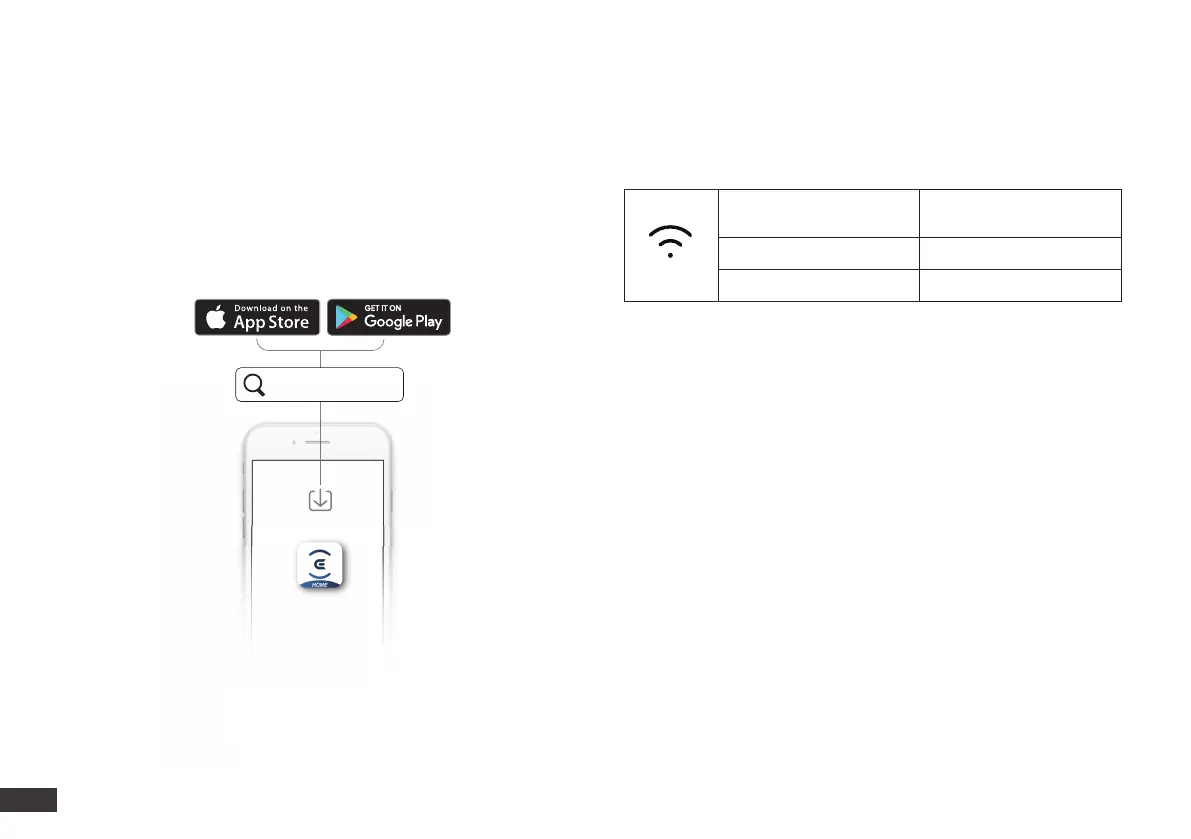
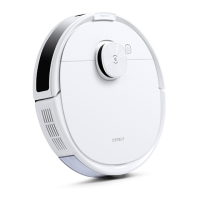
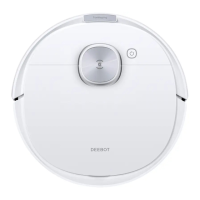
To enjoy all available features, it is recommended to control your DEEBOT via the ECOVACS HOME app.
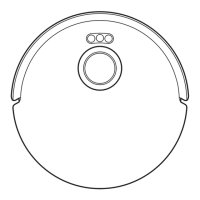
Wi-Fi Indicator LightBefore you start, make sure that:
Tips:
If you have any problems during the Wi-Fi setup process, refer to the
Troubleshooting > Wi-Fi Connection section in this manual.
• Your mobile phone is connected to a Wi-Fi network.
• The 2.4GHz band wireless signal is enabled on your router.
• The Wi-Fi indicator light on DEEBOT is slowly ashing.
Slowly ashing
Disconnected to Wi-Fi or
waiting for Wi-Fi connection
Rapidly ashing Connecting to Wi-Fi
Solid Connected to Wi-Fi




 To Next Page