13
EN
3. Operating and Programming
Note: When DEEBOT completes the cleaning cycle or when the battery
gets low, DEEBOT automatically returns to the Docking Station to
recharge itself. DEEBOT can also be sent back to the Docking Station
at any time by using the ECOVACS App or by pressing the AUTO
Button on the robot for 3 seconds.
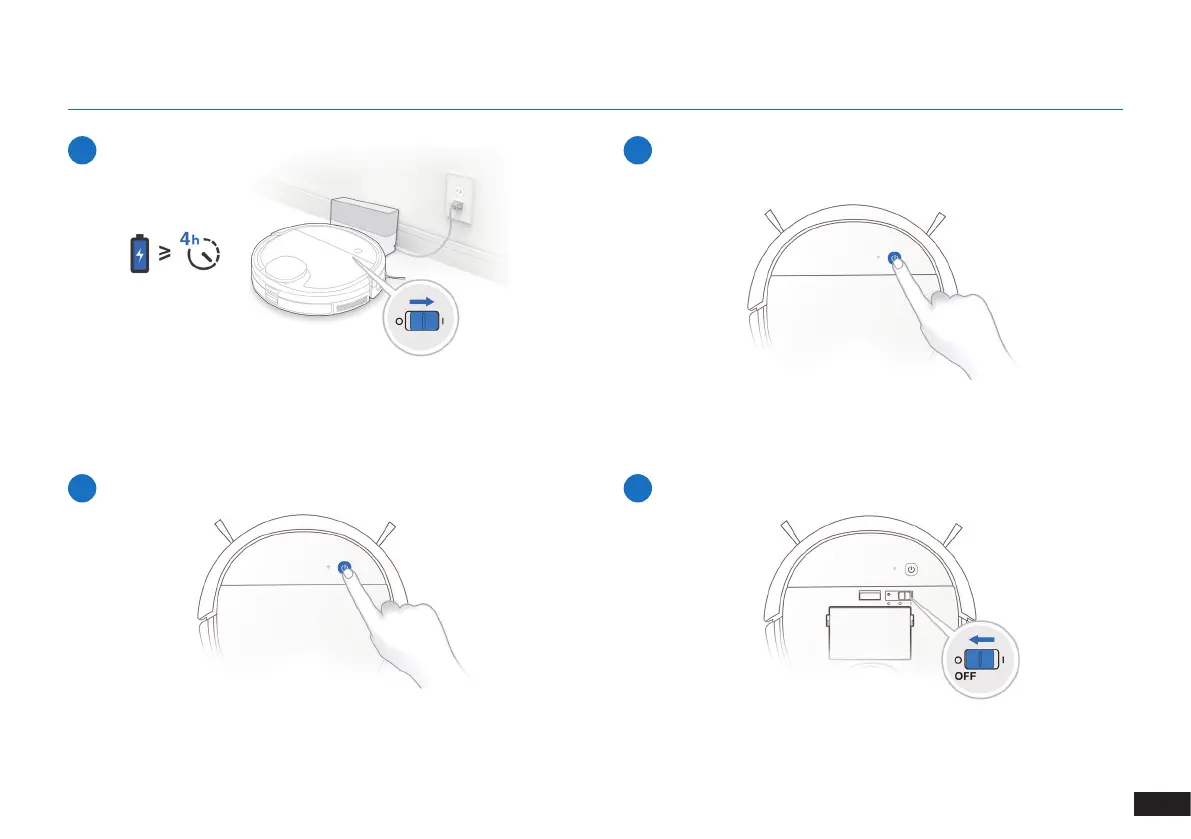
5
Charge DEEBOT
6
Start
7
Pause
8
Power OFF
Note: The robot’s Control Panel ops glowing after the robot is paused
for a few minutes. Press the AUTO Mode Button on DEEBOT to wake
up the robot.
Note: When DEEBOT is not working, it is recommended to keep it
switched ON and charging.



 To Next Page