12
EN
3. Operating and Programming
.
1
6
.
1
6
3.2 Quick Start
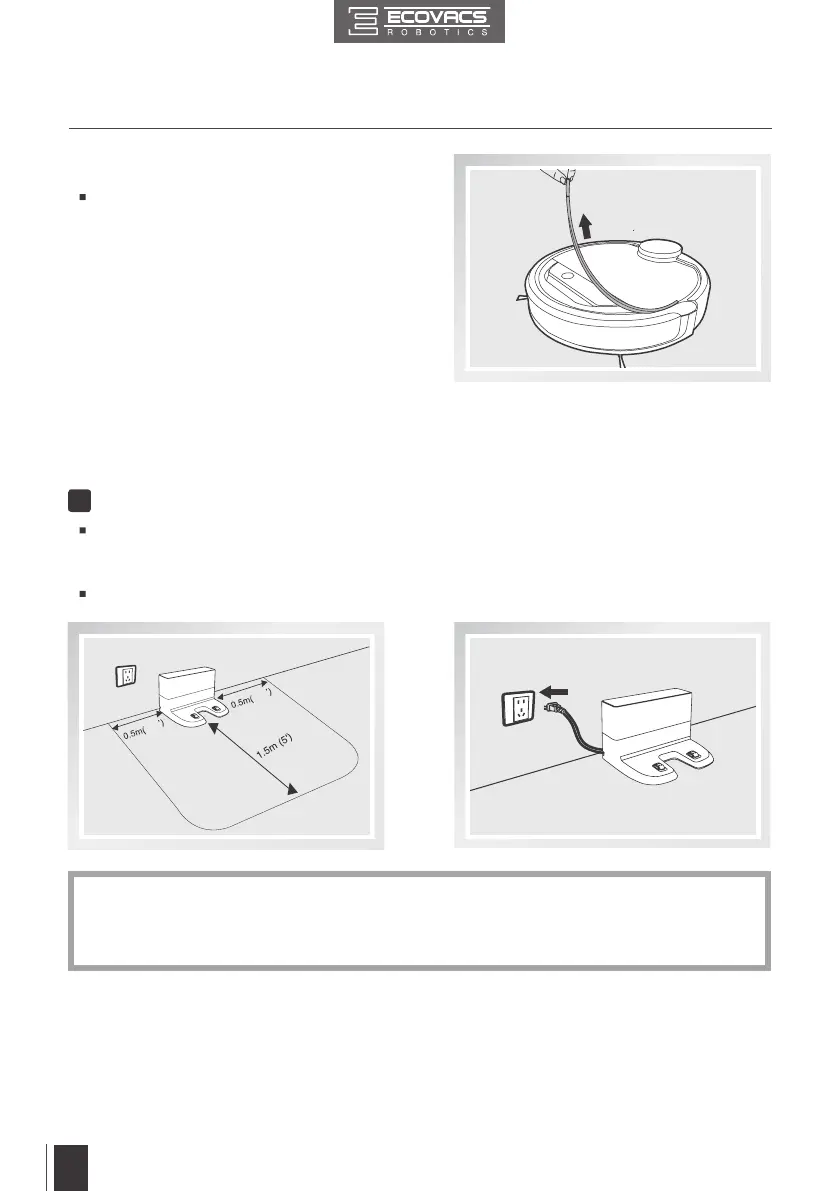
Remove the protection strip from the
robot’s Bumper before use.
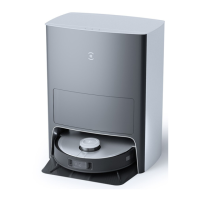
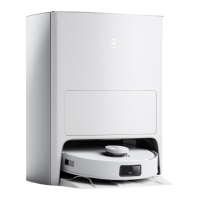
Docking Station Placement
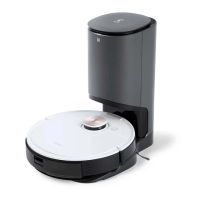
Place the Docking Station on a level oor surface against the wall with the base perpendicular
to the ground. Keep the immediate area 1.5m (5’) in front of the charger and 0.5m (1.6’) on
both sides of the charger clear of objects and reective surfaces.
Plug the Docking Station in.
1
*
Do not change the location of the Docking Station once DEEBOT has scanned the
environment. If it is necessary to relocate Docking Station, power OFF DEEBOT and then
power back ON so DEEBOT can re-scan the environment. Alternatively, use the ECOVACS
App to direct the robot to rescan the environment.



 To Next Page