14
EN
3. Operating and Programming
*
The robot’s Control Panel stops glowing
after the robot is paused for more than
10 minutes. Press AUTO Mode Button on
DEEBOT to wake up the robot.
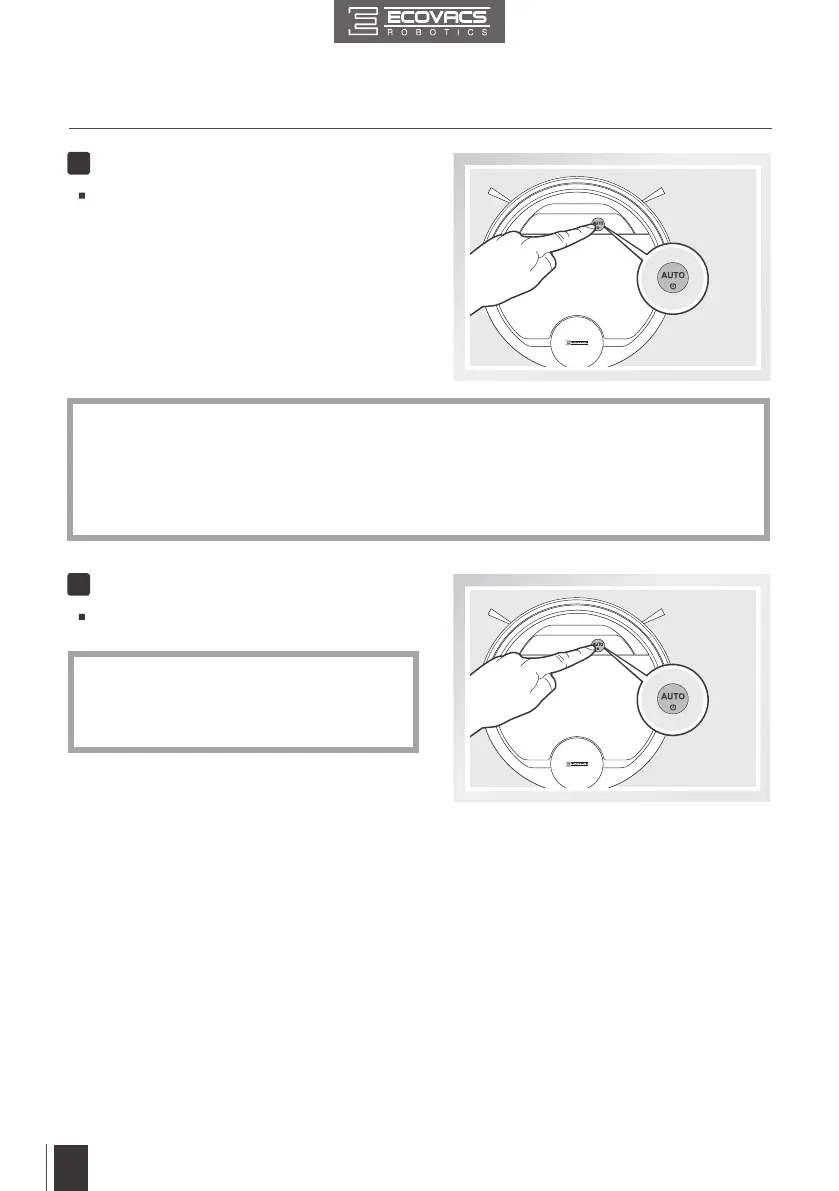
Pause DEEBOT by pressing the AUTO Mode
Button on the robot.
6
Pause
Press the AUTO Mode Button on DEEBOT.
DEEBOT moves around to scan the environment
and build the map, and starts to work in AUTO
Cleaning Mode at the same time.
5
Start
*
*
*
*
DEEBOT must be powered ON to clean.
To choose another Cleaning Mode, please refer to section 3.3 Cleaning Mode Selection for
details.
Do not manually move the robot when it is cleaning or charging.
To add water into the Reservoir when DEEBOT is cleaning, pause the robot. Do not manually
move it. Press the Reservoir Release Button, and draw out the Reservoir.



 To Next Page