16EN
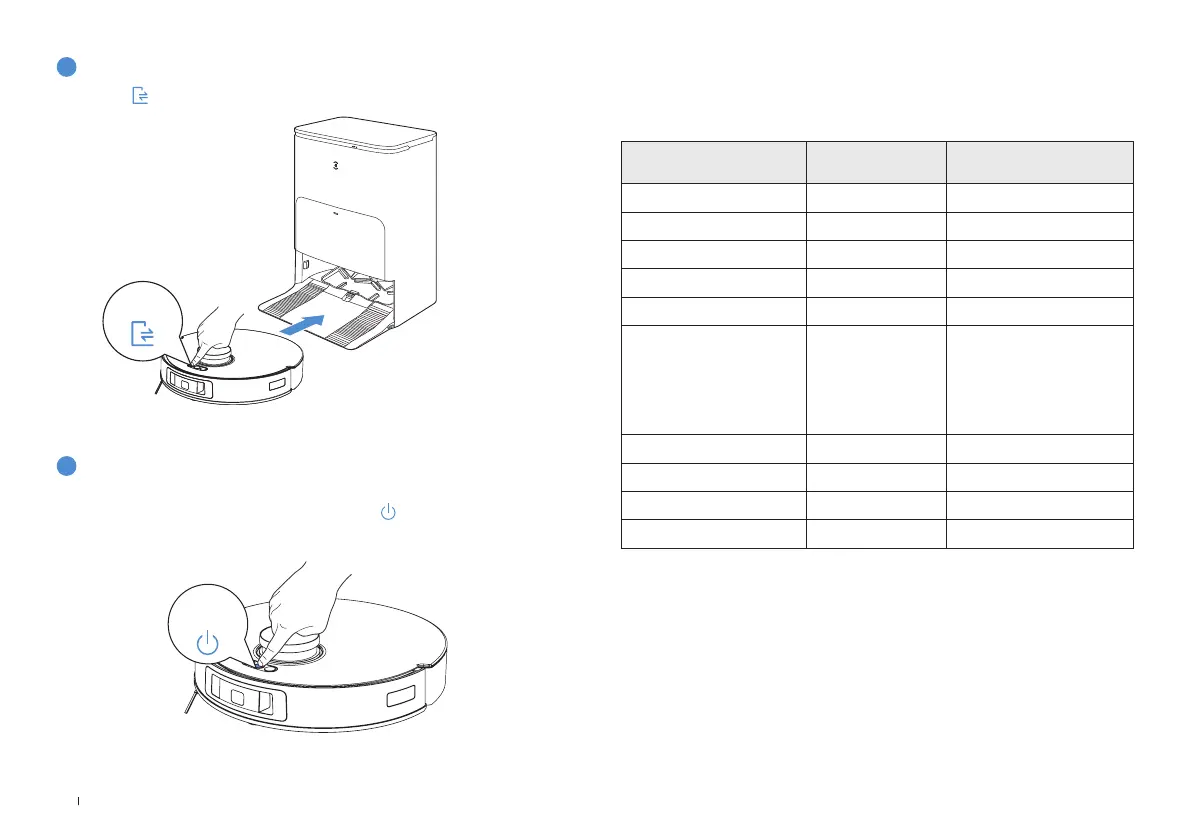
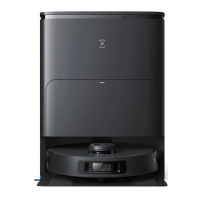
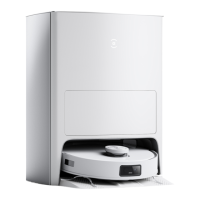
Short press to recall DEEBOT to the OMNI Station�
DEEBOT will enter deep sleep mode to protect the battery if the DEEBOT stays
outside the Station for about 5 h� Please long press
for more than 3 s to wake
up the DEEBOT�
3
Back to Station
4
Deep Sleep Mode
Note: When DEEBOT is not working, it is recommended to keep it powered ON and charging�
REGULAR MAINTENANCE
To keep DEEBOT running at peak performance, perform maintenance tasks and
replace parts at the following frequencies:
Robot Part
Maintenance
Frequency
Replacement Frequency
Washable Mopping Pad / Every 1-2 months
Dust Bag / When App prompts
Side Brush Every 2 weeks Every 3-6 months
Brush Every week Every 6-12 months
Filter Every week Every 3-6 months
TrueDetect 3D Sensor
TrueMapping Distance Sensor
Universal Wheel
Anti-drop Sensor
Bumper
Charging Contacts
Every week /
Clean Water Tank Every 3 months /
Dirty Water Tank After each mopping /
Dust Collection Cabin Every month /
OMNI Station Every month /
Before performing cleaning and maintenance tasks on DEEBOT, turn the robot OFF and unplug
the OMNI Station�
Note: ECOVACS manufactures various replacement parts and ttings� Please contact Customer
Service for more information on replacement parts�
Short press
Press and
hold


 To Next Page