9 EN
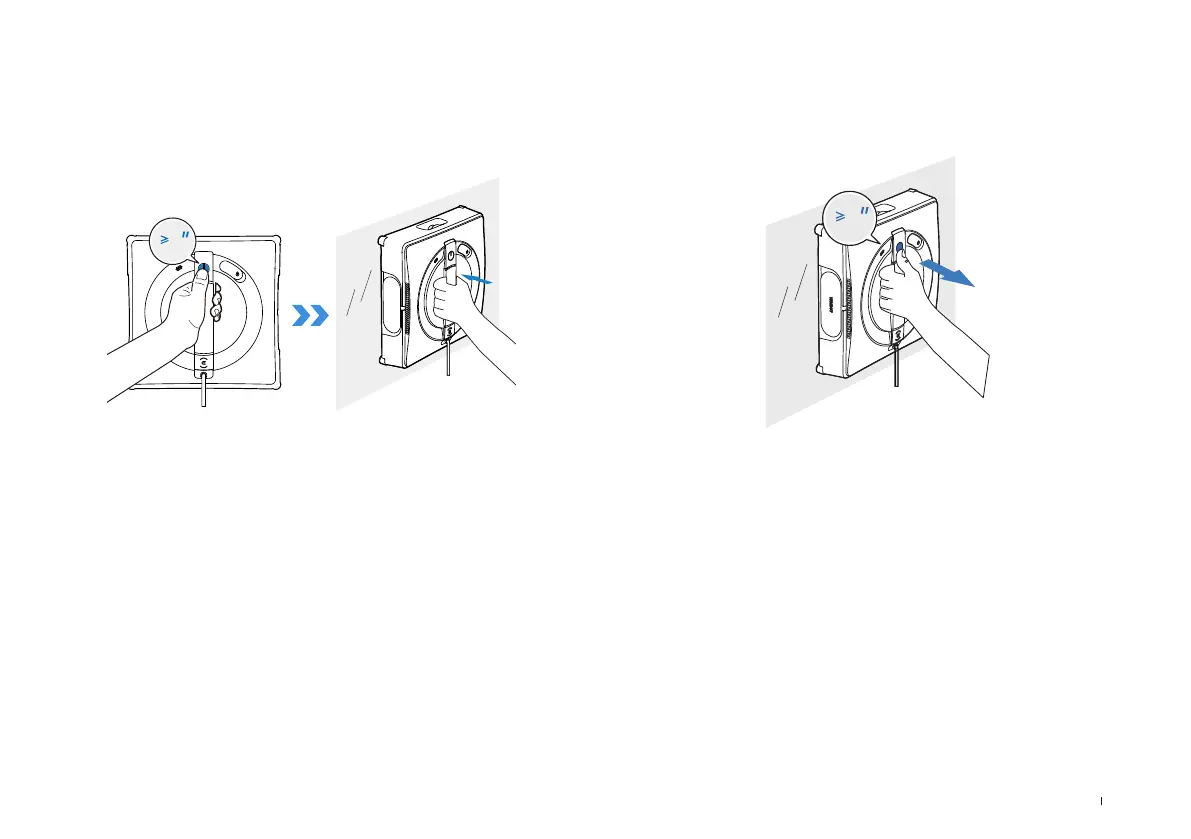
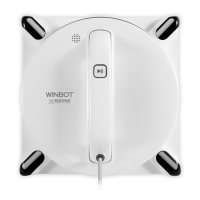
5. Long press START button for 2 seconds to start the fan. Place
the bottom side of WINBOT (the side with Wiping Pad) against the
window; WINBOT will auto-attach itself and start cleaning.
*Before cleaning, please observe the area to attach WINBOT for any small
particles. If there are any, please remove them or switch to a particle-free area
to avoid scratching the glass.
*Clean the Wiping Pad in time and make sure that any small particles on it are
completely removed to avoid scratching the glass.
*If the vacuum glass, which WINBOT is working on, is leaking, remove WINBOT
immediately after cleaning is completed.
6. When cleaning is completed, WINBOT automatically returns to
the Initial Spot and waits to be removed. At this point, long press
START button for 2 seconds to stop the fan. Then, take WINBOT off
according to voice prompts.
2
2





 To Next Page