EasyManua.ls Logo

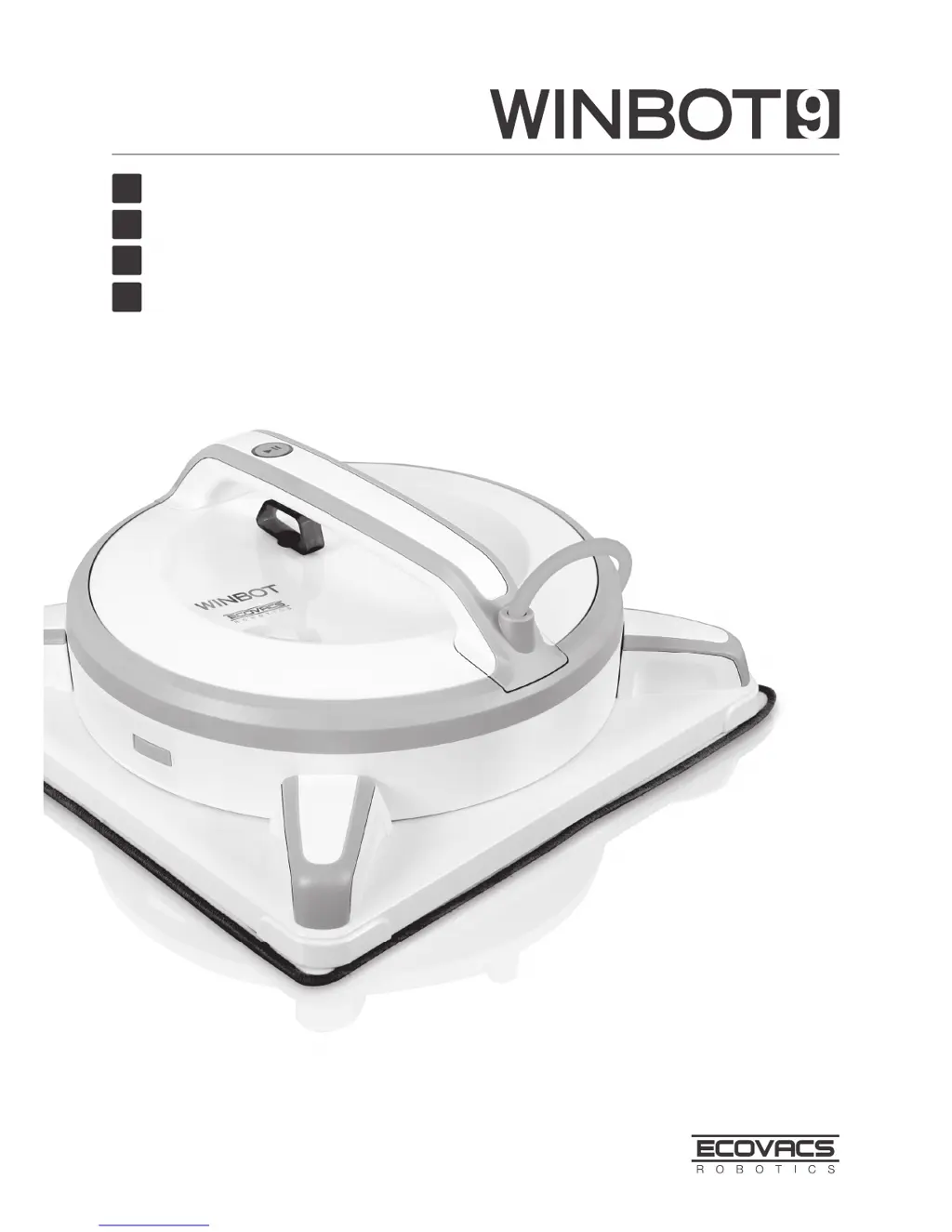
ECOVACS Winbot 9 - User Manual

ECOVACS Winbot 9
74 pages
Print Icon
To Next Page IconTo Next Page
Loading...
Instruction Manual
EN
Mode d'emploi
Benutzerhandbuch
Manual de instrucciones
FR
DE
ES

Table of Contents

Questions and Answers

  • T
    Tammie BauerAug 1, 2025
    How to fix ECOVACS Vacuum Cleaner remote control not working?
    • J
      John George MDAug 1, 2025
      If the ECOVACS Vacuum Cleaner remote control isn't working, try these steps: * If the robot is cleaning, pause it by pressing the START/PAUSE button on either the robot or the remote. Other remote functions will work when paused. * If the remote isn't paired, power on the robot, then simultaneously press and hold the button on the robot and the button on the remote until the robot beeps. * If the batteries are dead, install or replace the batteries in the remote control.
  • C
    Catherine PayneAug 20, 2025
    What to do if ECOVACS Vacuum Cleaner status indicator flashes blue?
    • R
      Rachel JonesAug 20, 2025
      If the ECOVACS Vacuum Cleaner's status indicator light flashes blue after placing it on the glass, it means there isn't enough suction. To fix this: * Press the robot onto the window more firmly. * Check the cupule for debris and clean it with the provided finishing cloth. * If the glass is too dirty, clean a small area before placing the robot.
  • L
    Leah Townsend DVMNov 10, 2025
    Why is the ECOVACS Winbot 9 Vacuum Cleaner status light red?
    • S
      Steve JenningsNov 10, 2025
      If the ECOVACS Vacuum Cleaner's status light glows red after powering on or during cleaning, it could be due to several reasons: * **Power Interruption:** Ensure the robot is properly connected to the power adapter and plugged into the outlet. Press the START/PAUSE button to resume cleaning. If a power failure occurred, the robot should return near its starting point. If not, use the remote's direction controls to guide it to a reachable spot, then turn the robot off and back on. * **Encountered Problem:** Press the RESET button on the remote control. Check for stubborn stains on the window and clean them. Inspect the cupule for dirt or damage and clean it; replace if needed. * **Cleaning Pad Plate Issue:** If the cleaning pad plate turned before reaching the edge, spray more cleani...

Summary

Important Safety Instructions

Package Contents and Technical Specifications

Package Contents

Lists all items included in the product package.

Technical Specifications

Details the model, voltage, power, and adapter specifications.

Product Diagram

Illustrates and labels the components of the robot and remote control.

Operating the Robot

Notes Before Cleaning

Provides essential pre-cleaning guidelines and window compatibility.

Attach the Cleaning Pad

Instructions on how to correctly attach the cleaning pad to the robot.

Assemble the Power Adapter

Steps for connecting the power adapter for charging or operation.

Install the Safety Tether

Guide on setting up the safety tether for secure window cleaning.

Place the Safety Pod

Instructions for correctly positioning the safety pod on the window.

Spray Cleaning Solution

Steps for applying the cleaning solution to the cleaning pad.

Start Operation

Guide on plugging in, powering on, and placing the robot on the glass.

Pause Operation

How to pause the robot and use directional controls remotely.

Stop Operation

Steps to safely stop the robot, power it off, and remove it.

Maintenance

Cleaning Pad Maintenance

Instructions for cleaning and drying the removable cleaning pad.

Component Cleaning and Care

How to clean cupules, sensors, squeegee, and corners for optimal performance.

Driving Treads Maintenance

Guide on inspecting and cleaning the robot's driving treads.

Status Indicator Light and Sounds

Troubleshooting

ECOVACS Winbot 9 Specifications

General IconGeneral
TypeWindow Cleaning Robot
BrandECOVACS
ModelWinbot 9
Power SupplyAC Adapter
Weight1.5 kg
Control MethodRemote Control
Safety FeaturesAnti-Fall Sensors

Related product manuals