14
EN
4. Maintenance
4.3 Driving Treads
Move the Bottom Power Switch to the “ ”
position.
Inspect the Driving Treads by using the and
buttons on the Remote Control. Stop the
Driving Treads if dirt is seen on the Treads.
Move the Bottom Power Switch to the “O”
position.
Clean any dirt on the Driving Treads with the
provided Finishing Cloth.
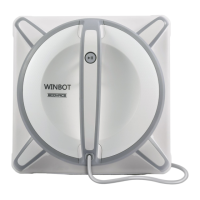
Cleaning WINBOT 9’s corners
Turn the robot over, remove the Cleaning
Pad and wipe the four corners of WINBOT 9
with the provided Finishing Cloth.







 To Next Page