10
EN
3. Operating the Robot
3.7 Start
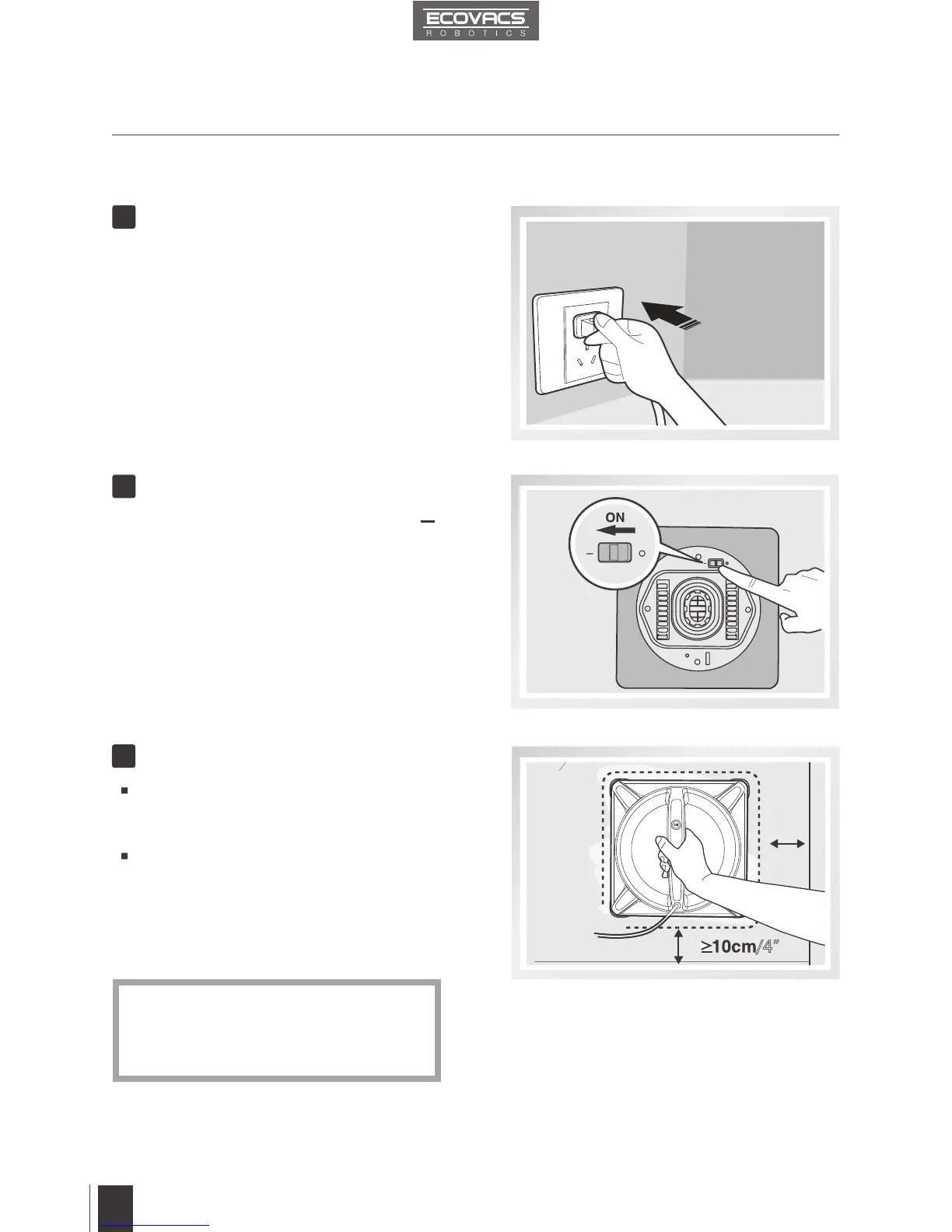
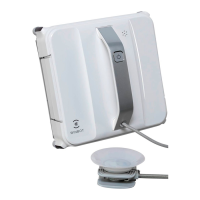
Plug in WINBOT 9
1
/4”
Power ON
2
Move the Bottom Power Switch to the “ ”
position. WINBOT 9 is powered ON when it
beeps and the Status Indicator Light ashes
BLUE.
Place on the Glass
3
Please ensure there is a 15cm (5.9”)
clearance between the glass and
obstacles in the room like curtains or
furniture.
*
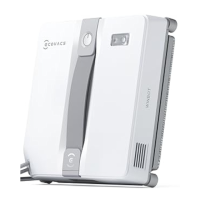
Press the START/PAUSE Button on
WINBOT 9’s Handle. WINBOT 9’s
suction motor starts.
Place WINBOT 9 on the window at least
10cm (4’’) from the corners or other
obstacles and press it firmly on the
window. WINBOT 9 has successfully
attached to the window when the Status
Indicator Light glows a continuous BLUE.






 To Next Page