12
ENEN
3. Operating the Robot
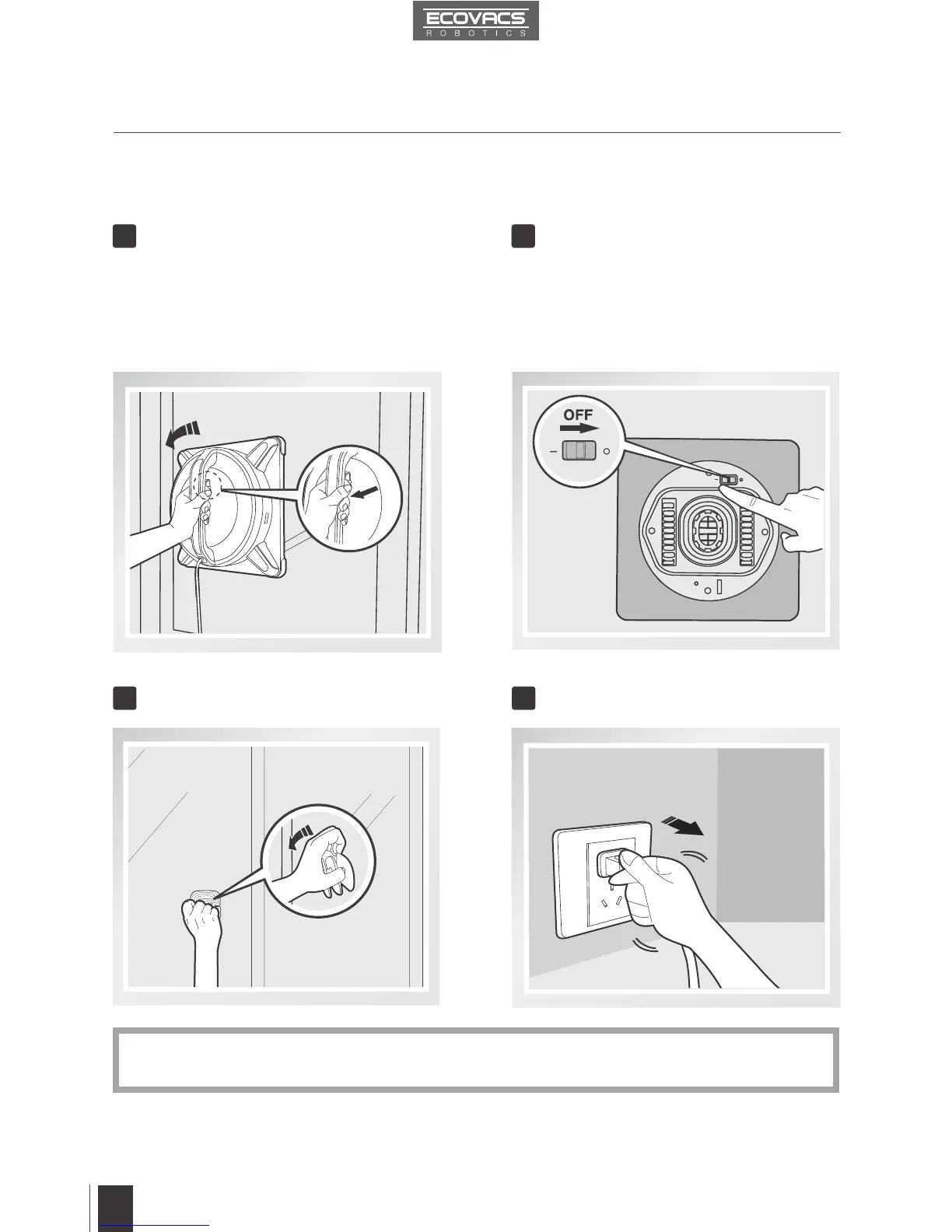
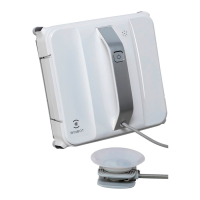
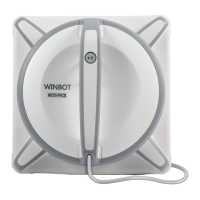
Remove WINBOT 9 Power OFF
Move the Power Switch to the “O” position.Grasp WINBOT 9’s Handle. Pull the Air
Release Trigger and remove WINBOT 9 from
the window. Polish away any marks left on
the glass from WINBOT 9’s removal with the
provided Finishing Cloth.
1 2
3.9 Stop
When WINBOT 9 completes its cleaning cycle, it returns to the place it started and beeps.
Remove the Safety Pod, if used. Unplug WINBOT 9
3 4
If WINBOT 9 has a problem and the Indicator Light glows RED, it can be reset by pressing
the Reset Button on the Remote Control.
*



 To Next Page