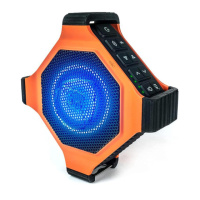
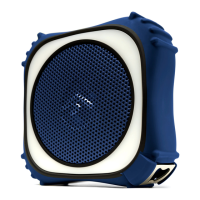
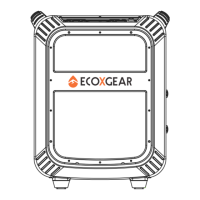
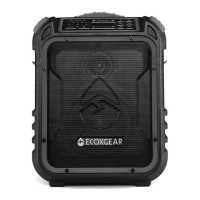
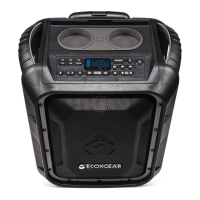
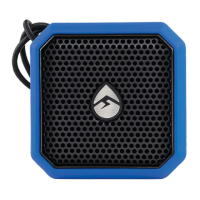
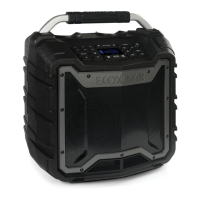
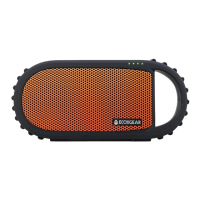
EcoEdge+ speakers. Both
speakers will announce,
“EcoConnect, pairing speakers.”
Wait approximately 4 seconds
for the speakers to wirelessly
connect. Both speakers will
announce “Connection successful.
Speakers paired.” and the
EcoConnect light will turn solid
BLUE on both units once the
connection is completed.
Once the two EcoEdge+
speakers are connected via
EcoConnect, start playing
music from your device. Both
connected EcoEdge+ units will
play the music from you device.
While the two speakers are
connected and playing music
from your device, PRESS AND
HOLD to cycle through the
EcoConnect modes. There are
four modes: STEREO; RIGHT /
LEFT; LEFT / RIGHT; MONO.
Unit Dimensions
Mount Attachment Point
Bottle Opener
Specifications
5.5”
5.5”
2.3”
POWER + CONNECT



 To Next Page
 Loading...