10
Installing the Motherboard
Connecting Case Components
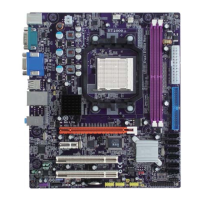
After you have installed the motherboard into a case, you can begin con-
necting the motherboard components. Refer to the following:
1 Connect the CPU cooling fan cable to JCFAN1.
2 Connect the case cooling fan connector to JSFAN2.
3 Connect the case switches and indicator LEDs to the SW1.
4 Connect the standard power supply connector to JATXPWR1
5 Connect the auxiliary case power supply connector to JATXPWR2



 To Next Page