9
Installing the Motherboard
Checking Jumper Settings
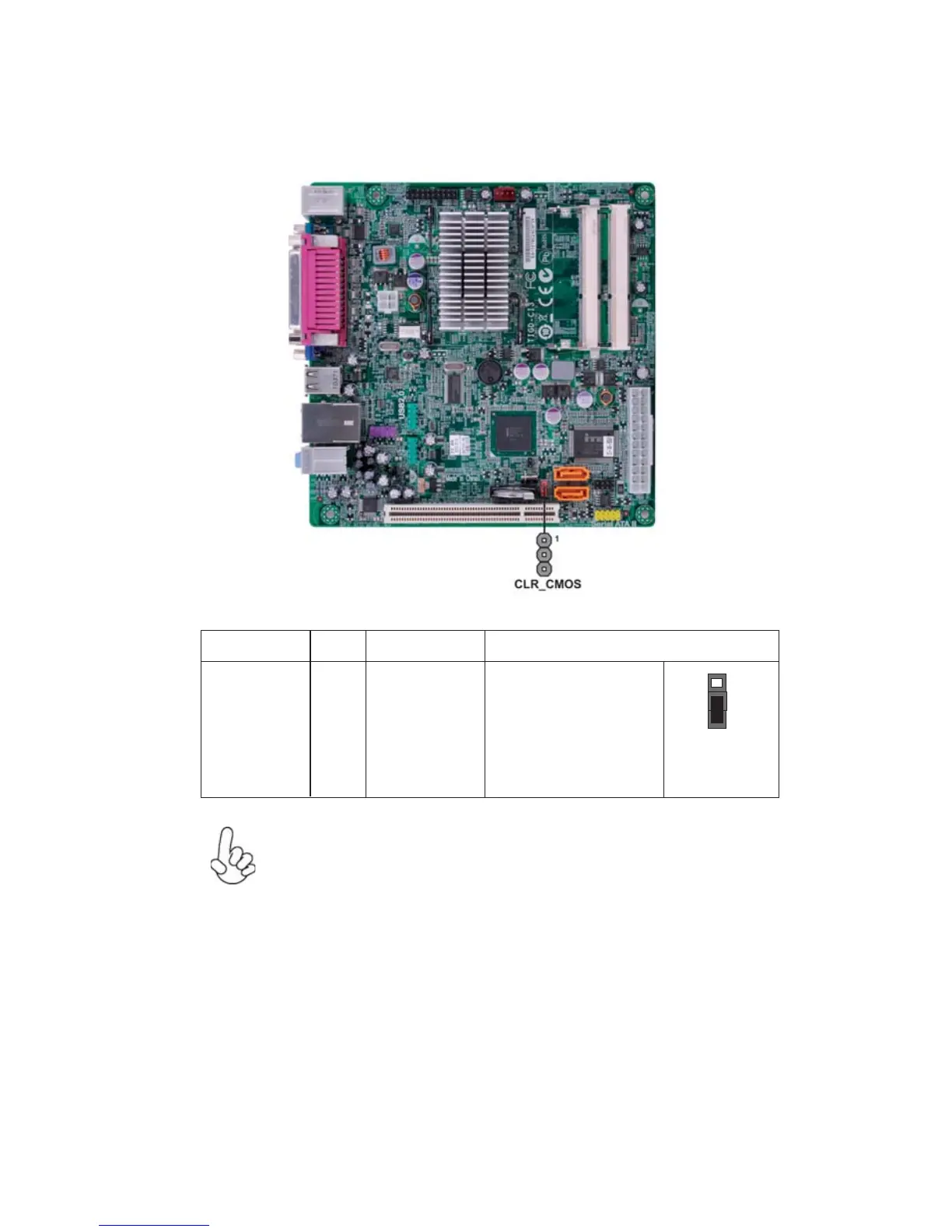
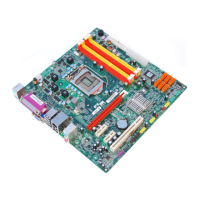
The following illustration shows the location of the motherboard jumpers. Pin 1 is
labeled.
Jumper Settings
1. To avoid the system instability after clearing CMOS, we recommend
users to enter the main BIOS setting page to “Load Default Settings”
and then “Save and Exit Setup”.
2. Make sure the power supply provides enough 5VSB voltage before
selecting the 5VSB function.
Jumper
Type
Description Setting (default)
CLR_CMOS
3-pin
Clear CMOS
1-2: NORMAL
2-3: CLEAR
Before clearing the
CMOS, make sure to
turn off the system.
CLR_CMOS
1



 To Next Page