ECTACO iTRAVL User Manual
21
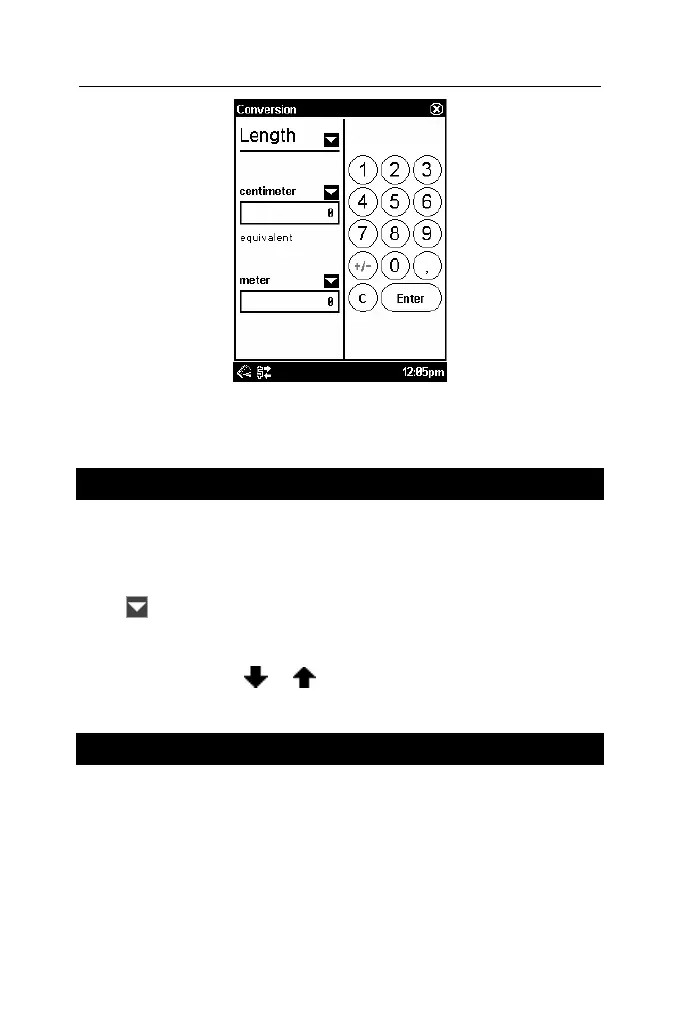
• Set the focus to the desired field by tapping it.
• Input the value and then tap Enter. The conversion will be
performed.
World Time
Using your ECTACO iTRAVL TL-2, you can view current times in
cities around the globe, along with appropriate map illustrations.
• In the Main Menu, tap the World Time icon. The application will
open.
• Tap
to the left of the city or country name to open the list of
cities or countries respectively.
• Select the desired country and city.
• On the toolbar, tap or to go to the next or previous city in
alphabetical order.
Settings
For best results and to ensure that you can fully employ all of the
diverse features of your ECTACO iTRAVL TL-2, it is
recommended that you thoroughly familiarize yourself with the
options of the Settings application, which will allow you to adjust
the device configuration to better suit your needs.
• In the Main Menu, tap the Settings icon. The application will
open.



 To Next Page