Page 12
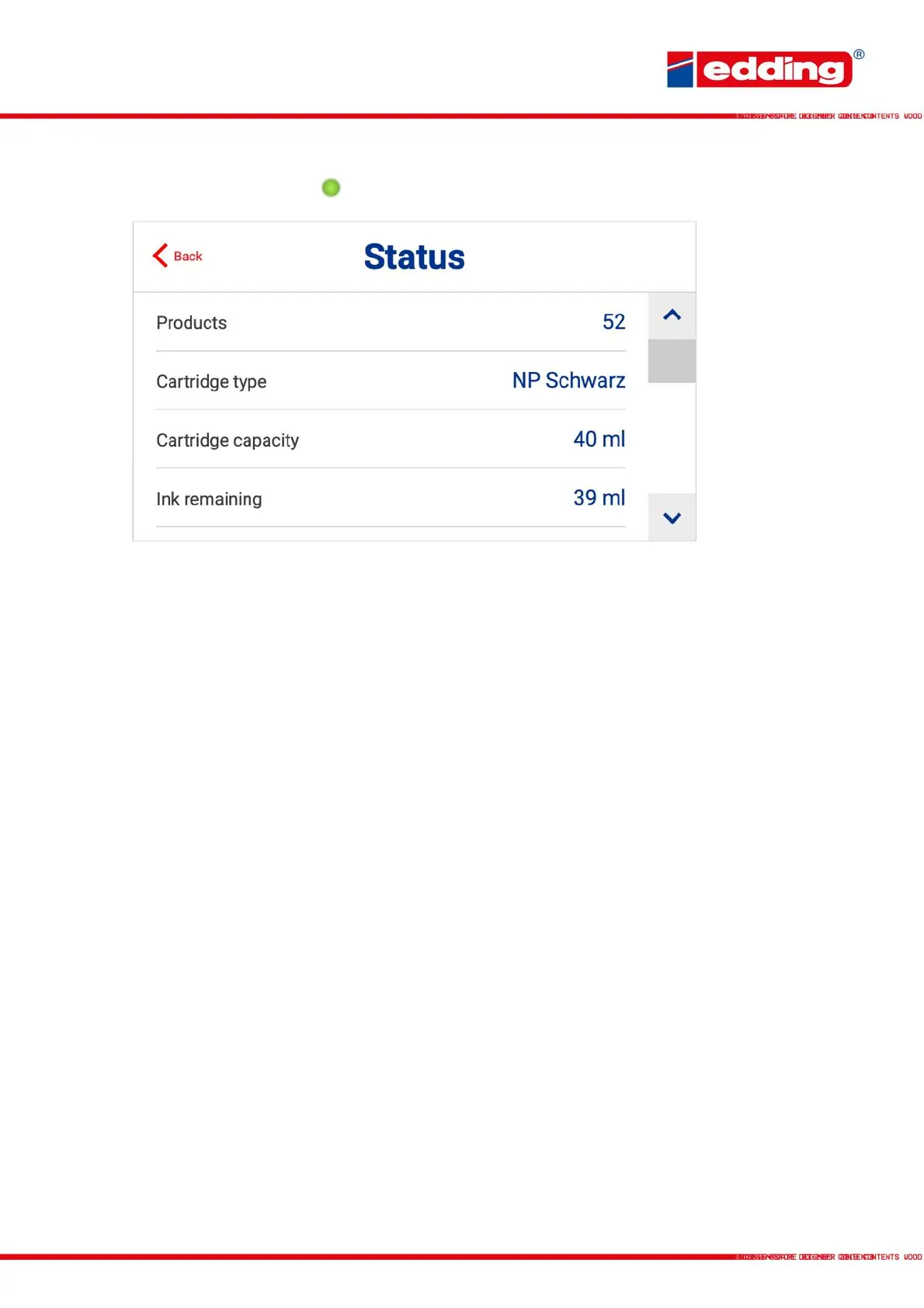
By touching the print status in the control panel, the printer status display opens:
Products: Number of products recognized by the photocell.
Cartridge type: Type of ink cartridge (e.g. NP black, SP blue, etc.)
Cartridge capacity: Max. filling level of the inserted cartridge in milliliter (ml)
Ink remaining: Current fill level of the inserted cartridge
Total prints per cartridge: Number of possible prints with inserted cartridge (can only be
displayed during printing)
Prints remaining: Number of remaining prints with the inserted cartridge (can only
be displayed during printing)
Cartridge code: Internal serial number of the inserted cartridge
Firmware version: Name/number of the currently embedded firmware
Hardware version: Name/number of the installed hardware



 To Next Page