Page 13
The following only affects the in-line 25:
The in-line system detects and selects the cartridge by itself. Therefore, the following section is
not relevant for the in-line 12. Only on 25 mm printer models, you select the right cartridge type
manually by the below menu:
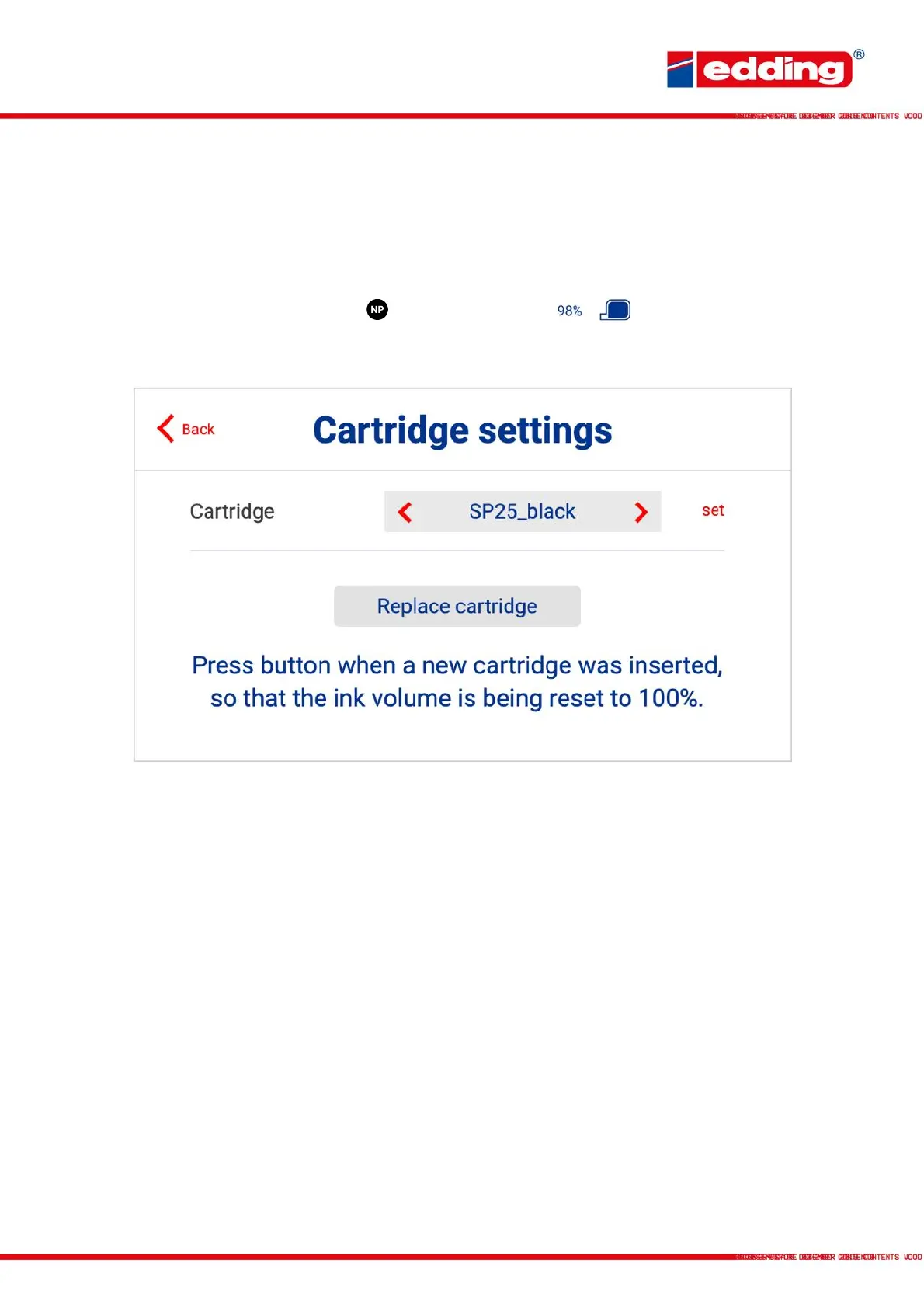
By touching the ink cartridge type or the cartridge content in the control panel,
the cartridge settings menu opens:
Cartridge: Choose the cartridge type (SP25 black, SPX25 black, SP25
blue, NP25 black, NPX25 black)
Set: Confirm the selection of the cartridge
Replace cartridge: Reset the ink volume to 100% when a new cartridge was
inserted.



 To Next Page