9
VIDEO FUNCTION
Function Description
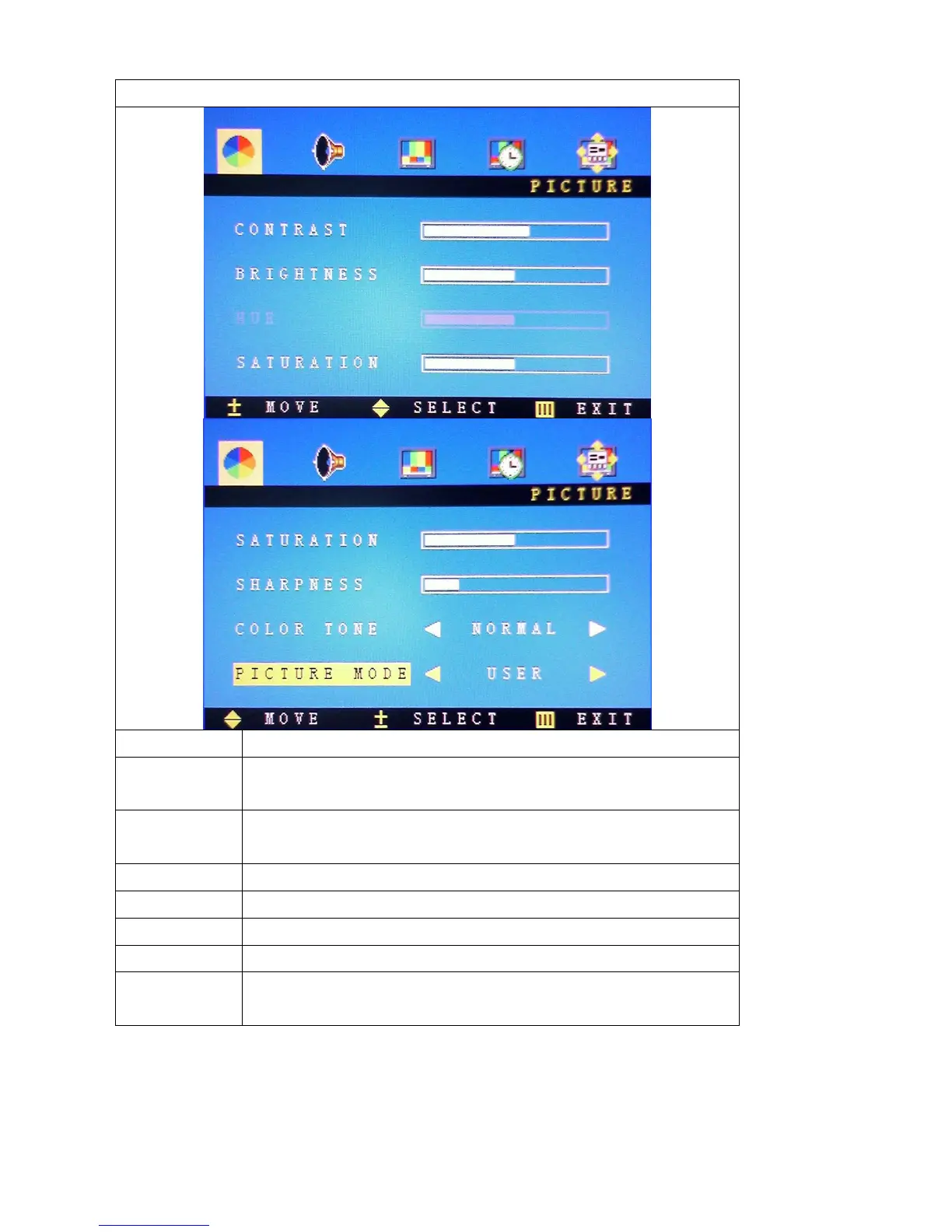
Contrast Press “+”and“-”to adjust the setting value(0~100) to adjust the
contrast
Brightness Press “+”and“-”to adjust the setting value(0~100) to adjust the
brightness
HUE Not available for this mode
Saturation press “+”and“-”to adjust
Sharpness press “+”and“-”to adjust
Colour Tome Press “+”and“-”to adjust the colour ( NORMAL, WARM,COOL)
Picture Mode Press “+”and“-”to choose the Mode: (DEFAULT, BRIGHT, SOFT,
NATURE.



 To Next Page