7
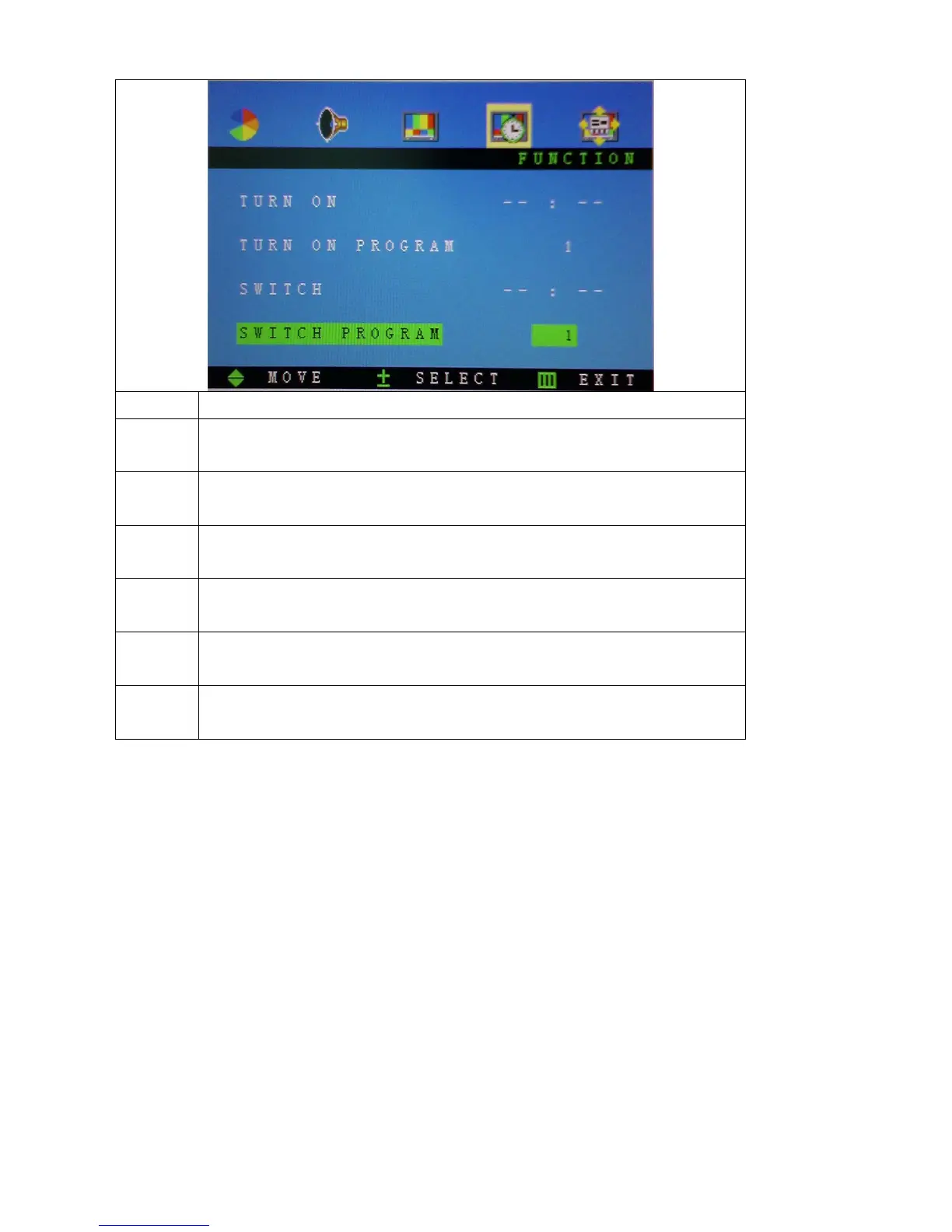
Function Description
Current Press “+”and“-” to choice the Current mode (hour and minute),and press
“MENU” or“▲” button to adjust the setting values
Turn off Press “+”and“-” to choice the Turn off mode(hour and minute),and press
“MENU” or“▲” button to adjust the setting values
Turn on Press “+”and“-” to choice the Turn on mode(hour and minute),and press
“MENU” or“▲” button to adjust the setting values
Turn on
program
Press “+”and“-” to adjust the default program
Switch Press “+”and“-” to choice the Switch (hour and minute). And press
“MENU” or“▲” button to adjust the setting values
Switch
program
Press “+”and“-” to choice the different programs



 To Next Page