6
Phase Press“+” and“-” to adjust the real image value of ADC
Colour Press “+”and“-”to adjust the colour mode.
( NORMAL, WARM,COOL,USER)
Auto Adjust press “+”and“-”to Auto tuning
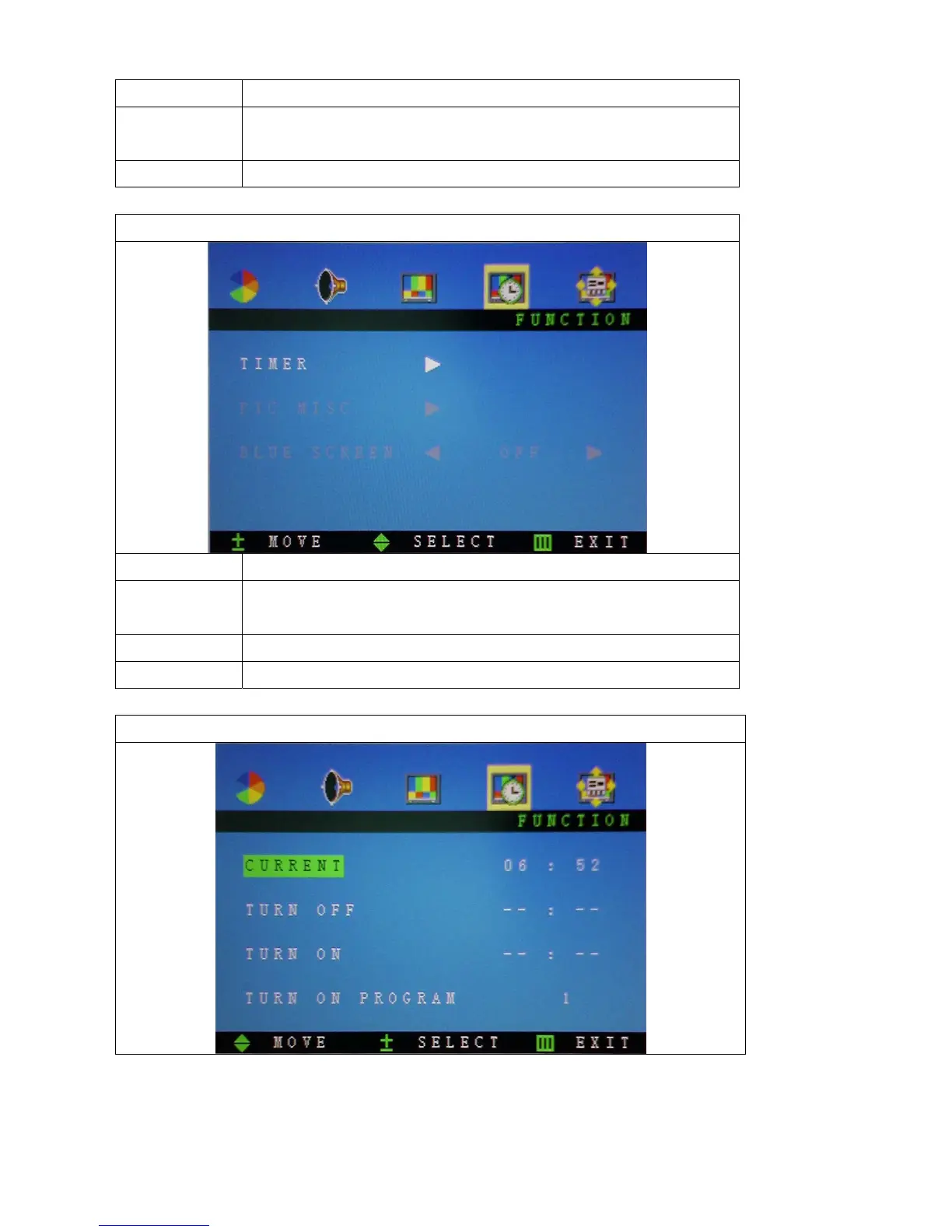
TIMER FUNCTION
Function Description
Timer Press “+”and“-”to adjust sub items: (Current, Turn off, Turn on,
Turn on program, Switch and Switch program)
PIC Misc Not available for this model
Blue screen Not available for this model
CLOCK FUNCTION



 To Next Page