3-2 3.0 SETUP
4125 MAGNETOMETER INTERFACE 0016510_REV_C
3.1 Configure the Towfish
The Towfish has a file that needs to be configured if a Baud other than the Default 9600 is to be used.
Towfish setup:
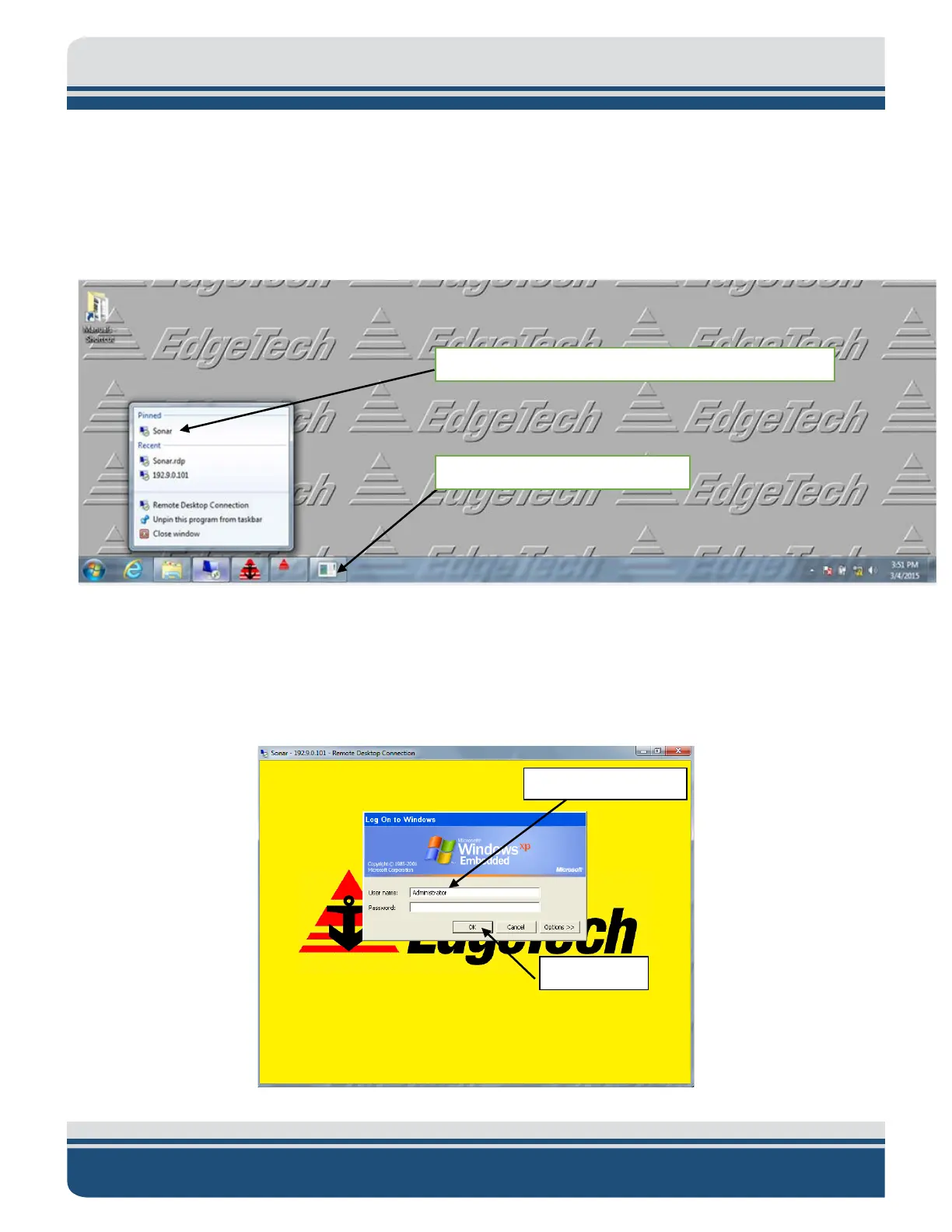
1. Connect to the Towfish using Windows Remote Desktop on the topside computer.
Figure 3-2: Launch Remote Desktop
a. Remote Desktop settings if needed are:
Ethernet address: 192.9.0.101
Login name: Administrator
Password: admin
Figure 3-3: Log Into Sonar.exe
2) Left Click using mouse button to select “Remote Desktop”
1) Right Click Right Click using



 To Next Page