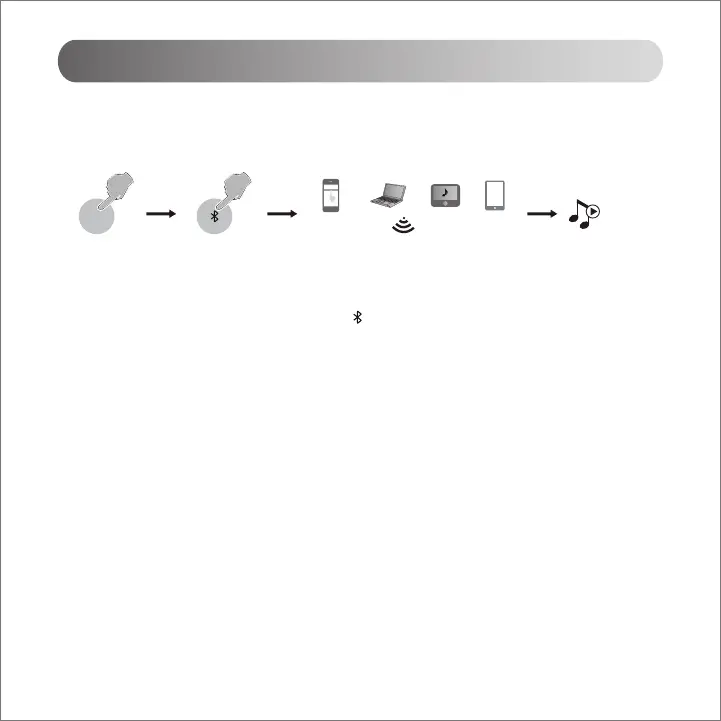
1. Press the " INPUT " button on the amplifier, or press the " " button on the remote control to select Bluetooth mode,
the display screen will show Bluetooth mode.
2. Select "EDIFIER CX7" in your device setting to connect.
3. Pin code for connection is "0000" if needed.
Note:
1. To enjoy all Bluetooth functions of this product, please ensure your audio source device has A2DP and AVRCP profiles.
2. Bluetooth connectivity and compatibility may be different between different source devices, depending on the software
versions of source devices.
Bluetooth Input
INPUT
EDIFIER CX7
English



 To Next Page