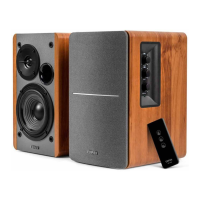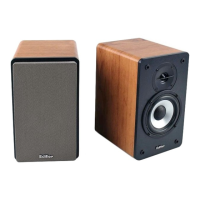
 Need help?
Do you have a question about the EDIFIER R1280DBs and is the answer not in the manual?
Covers 15 key safety points for product operation, handling, and environment.
Addresses hearing loss from loud music and guidance for product disposal.
Details power-related warnings, usage voltage, and precautions during storms or heat.
Explains the meaning of key safety symbols related to voltage, disassembly, and indoor use.
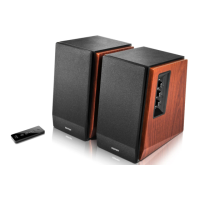
Lists all items provided in the packaging, such as remote control, cables, and user manual.
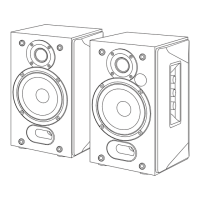
Diagrams and labels identifying speaker controls, indicators, and input/output ports.
Details button functions, battery installation, and safety warnings for the remote control.
Instructions for connecting the power supply and information on the subwoofer output port.
Guide to selecting Line In mode and connecting audio sources via cable.
Instructions for selecting optical/coaxial input and connecting audio sources.
Steps for pairing a Bluetooth device and notes on connectivity and profiles.
Troubleshooting steps for common problems like no sound, Bluetooth connectivity, and power issues.
Guidance on identifying and understanding normal versus abnormal speaker noise.

 To Next Page
 General