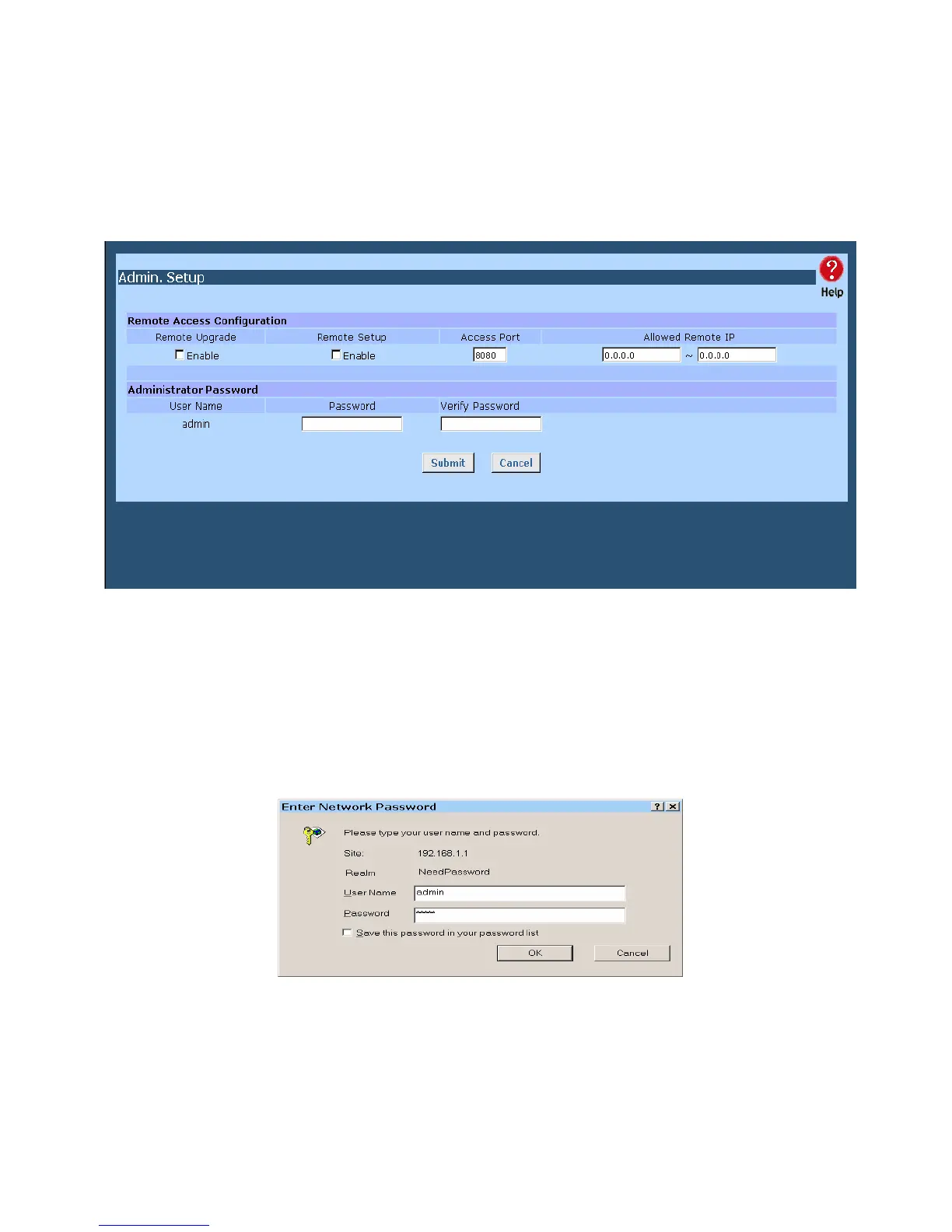
Admin Setup
The password screen allows you to assign a password to The Load Balancer, and enable /disable
the remote access mechanism.
Figure 7-1: Admin Password
Enter the desired password, re-enter it in the Verify Password field, then save it.
When you connect to The Load Balancer with your Browser, you will be prompted for the password
when you connect, as shown below.
Figure 7-2: Password Dialog
Page 59















 To Next Page