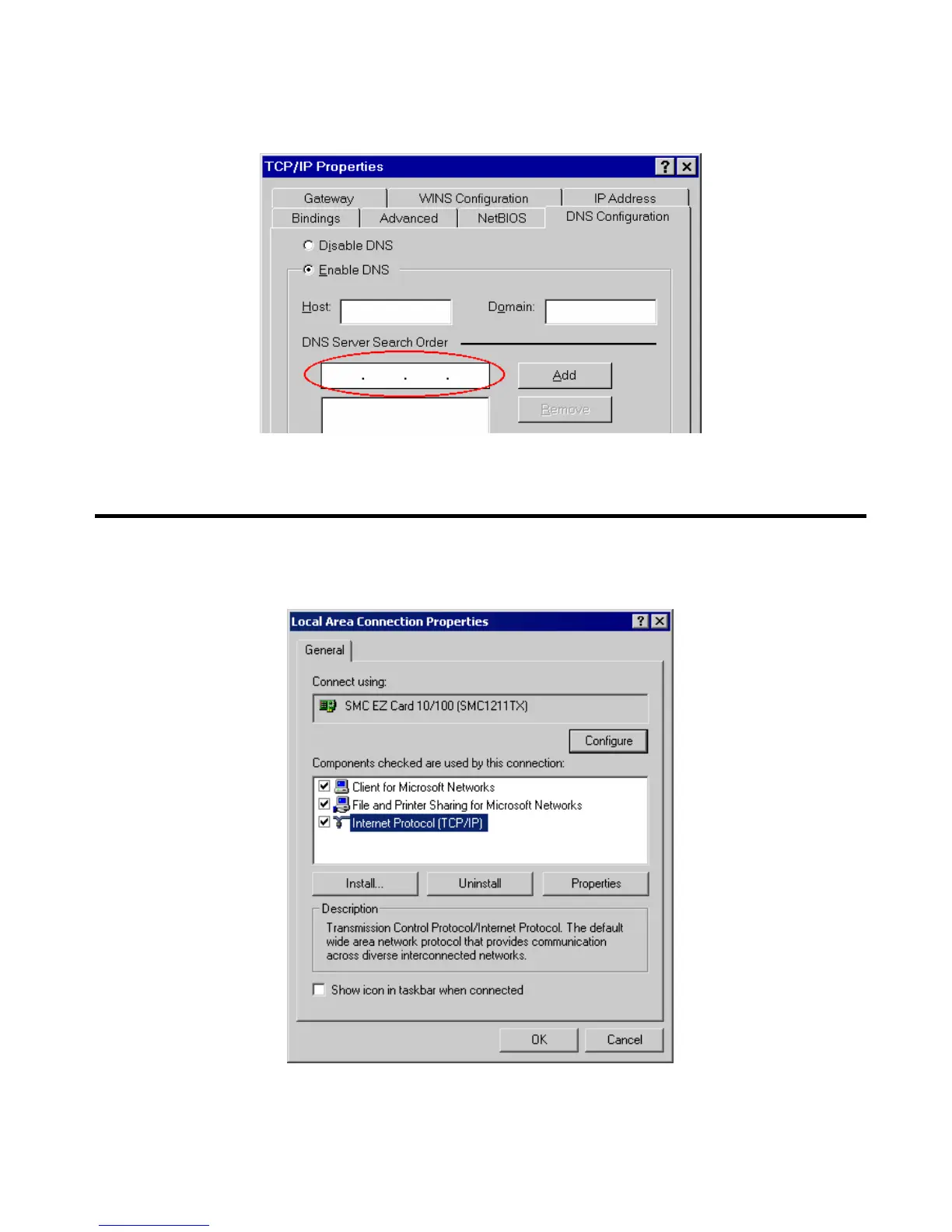
• On the DNS Configuration tab, ensure Enable DNS is selected. If the DNS Server Search Order
list is empty, enter the DNS address provided by your ISP in the fields beside the Add button,
then click Add.
Figure B-4: DNS Tab (Win 95/98)
Checking TCP/IP Settings - Windows 2000:
1. Select Control Panel - Network and Dial-up Connection.
2. Right click the Local Area Connection icon and select Properties. You should see a screen like
the following:
Figure B-5: Network Configuration (Win 2000)
3. Select the TCP/IP protocol for your network card.
4. Click on the Properties button. You should then see a screen like the following.
Page 75















 To Next Page