Page 19
3: Advanced Port Setup
Overview
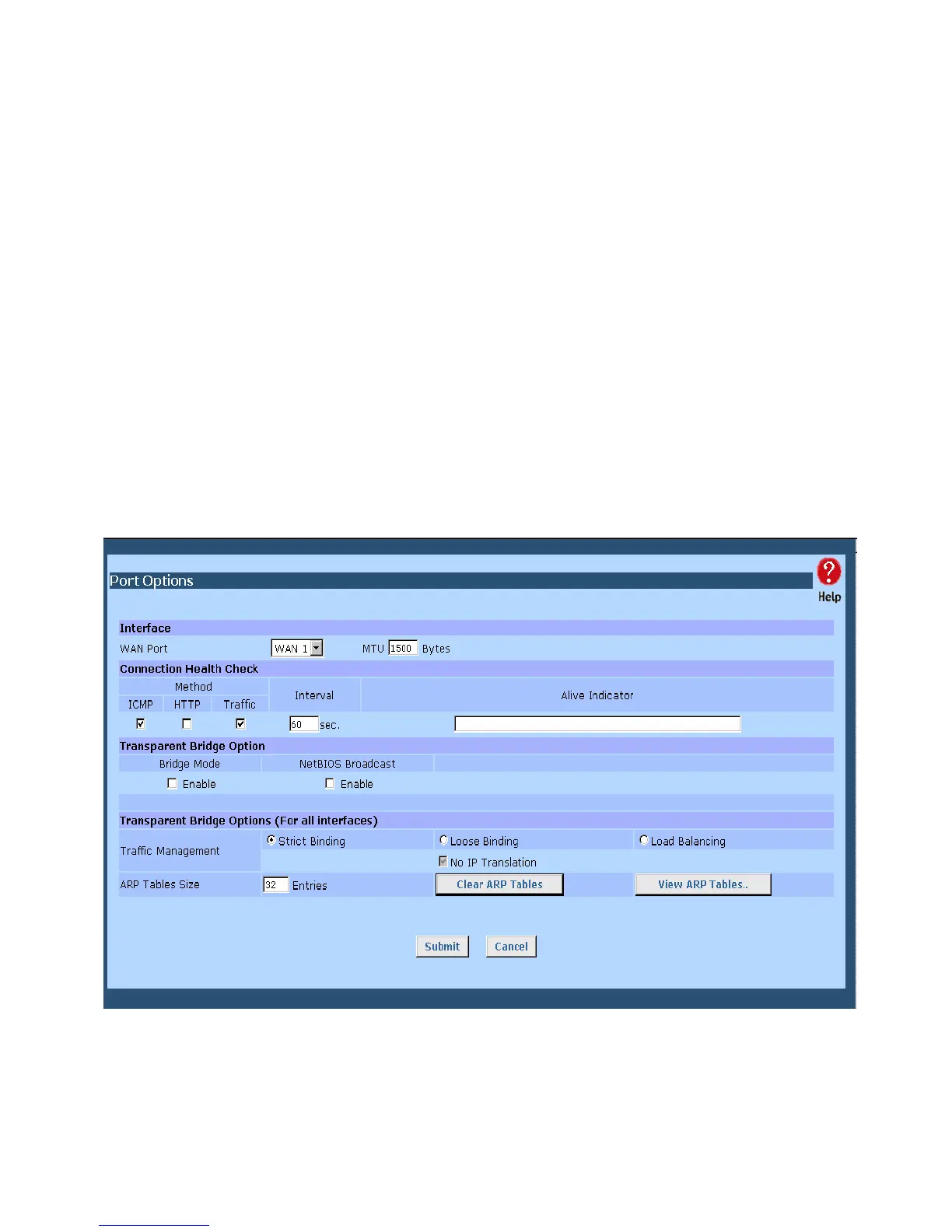
• Port Options contains some options, which can be set on either or both WAN ports. For most
situations, the default values are satisfactory.
• Load Balance screen is only functional if you are using both WAN ports. It allows you to
determine the proportion of WAN traffic sent through each port.
• Advanced PPPoE setup is required if you wish to use multiple sessions on one or both of the
WAN ports. It can also be used to manually connect or disconnect a PPPoE session. Otherwise,
this screen can be ignored.
• Advanced PPTP setup is required if using the PPTP connection method.
Port Options
Figure 3-1: Port Options















 To Next Page