5
III. Windows Driver Installation
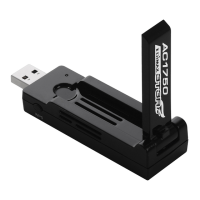
III-1. Insert the USB Adapter
1. Insert the USB adapter into a USB port
and then switch on your computer.
Never use force to insert the USB
adapter.
III-2. Download & Install the Driver
1. You can find the driver from the Edimax website.
https://www.edimax.com/download
If your computer can not access the Internet directly, please use an
Internet-Enabled device instead.
2. Enter the model number and then click to continue.
Insert Download & Install Driver Connect



 To Next Page
 Loading...