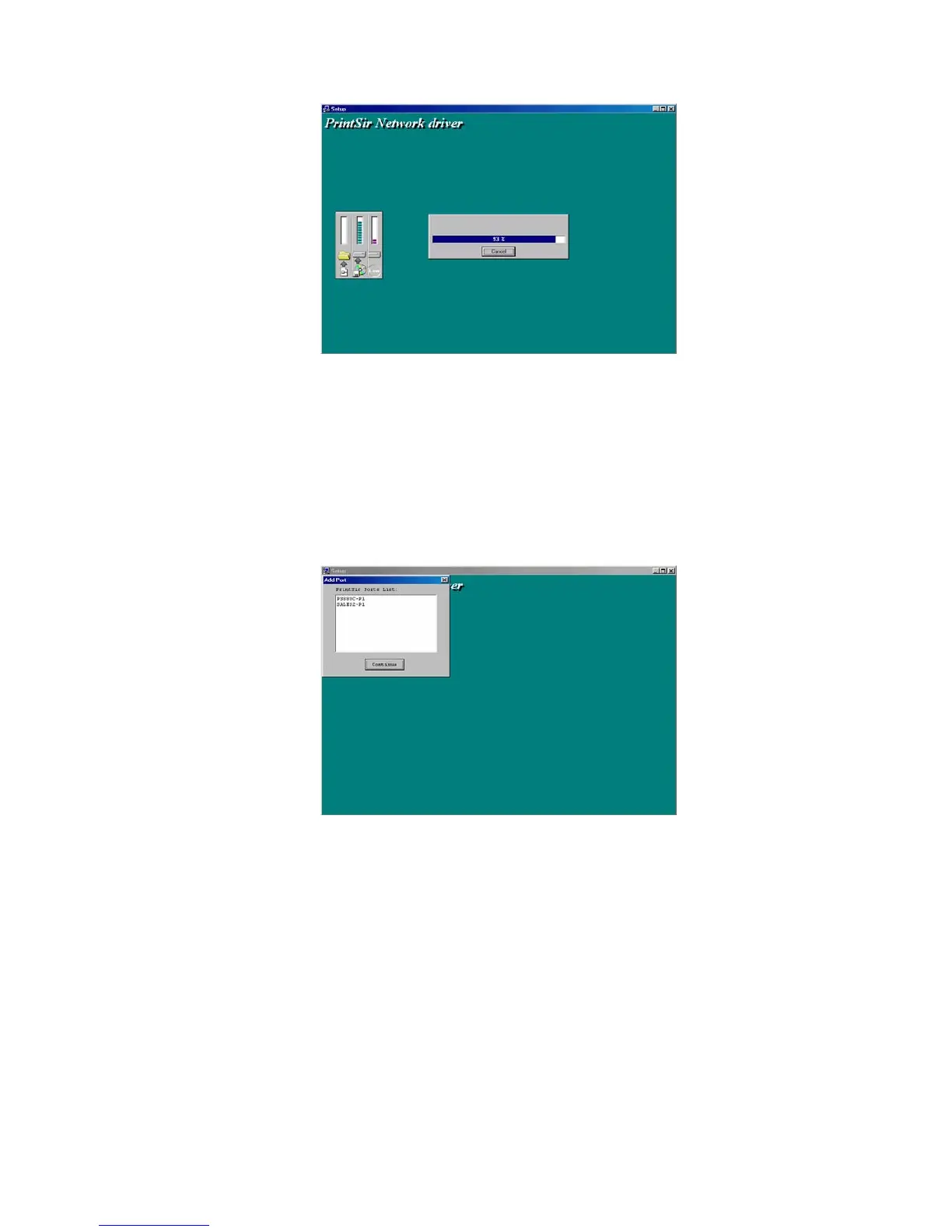
7. Now, the installation procedure is completed, and the
next step is to set up the client’s computer. Click
“Continue”, and all the print server’s network ports
detected on the network will be added to your PC.
8. Finally, the “Installation complete” window is
displayed to indicate that the Client Installation
procedure is finished.
32















 To Next Page