z Starting IP: displays the starting IP address for
assigning to DHCP clients.
z Next available IP: displays the next available IP
address that can be assigned to a DHCP client.
z Gateway IP: displays the configured IP address of
the default gateway.
z Netmask: displays the configured network mask.
z DNS server: displays the configured IP address of
the domain name server.
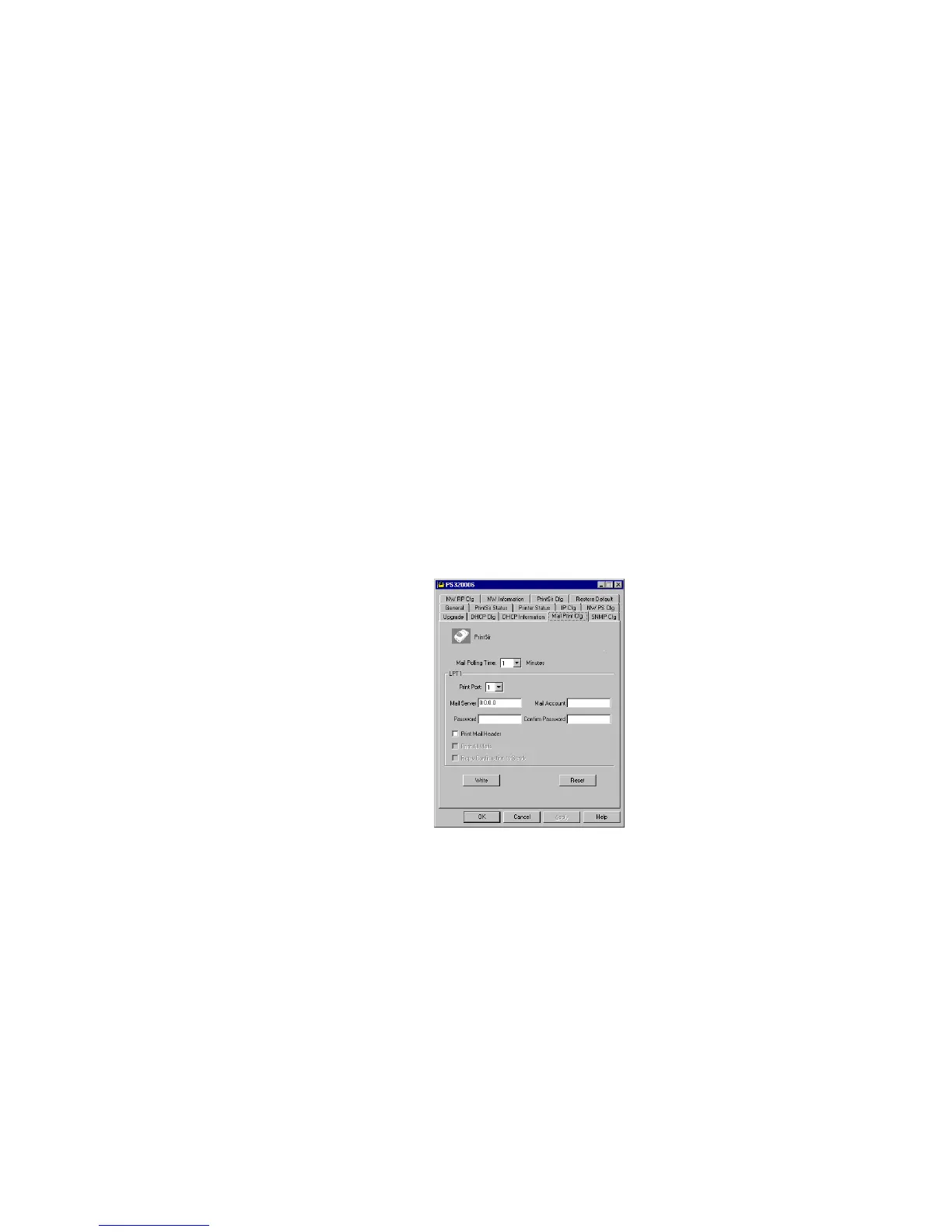
7.14 Mail Print Cfg - Email Printing Setting
Using PrintSir’s email printing function, the client
user on the Internet can email the printing file to a dedicate
mailbox, PrintSir will automatically get the email from that
mailbox and print it to the attached printer. The detail
function description is described in the Email Printing
Chapter.
The page allows you to set:
90















 To Next Page