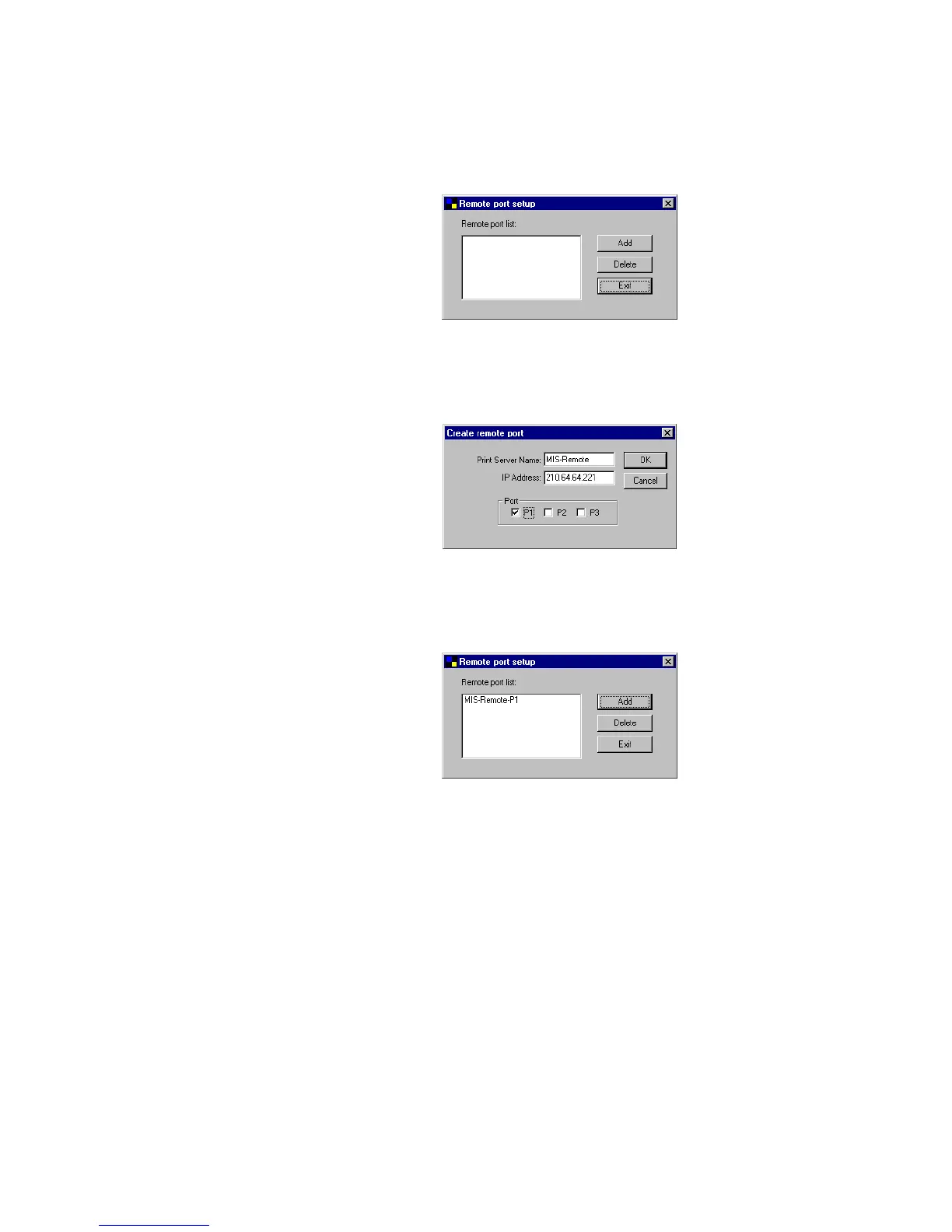
Step1. Run Remote Ports Utility
Step2. Press Add, then enter the print server’s name, IP
address, and port number.
Step3. Press OK to add the remote printer port into your
computer’s printer ports.
In order to use the remote printing function, you
will have to proceed with normal Add Printer procedure
and select your printer port as the newly added remote
printer port.
38















 To Next Page