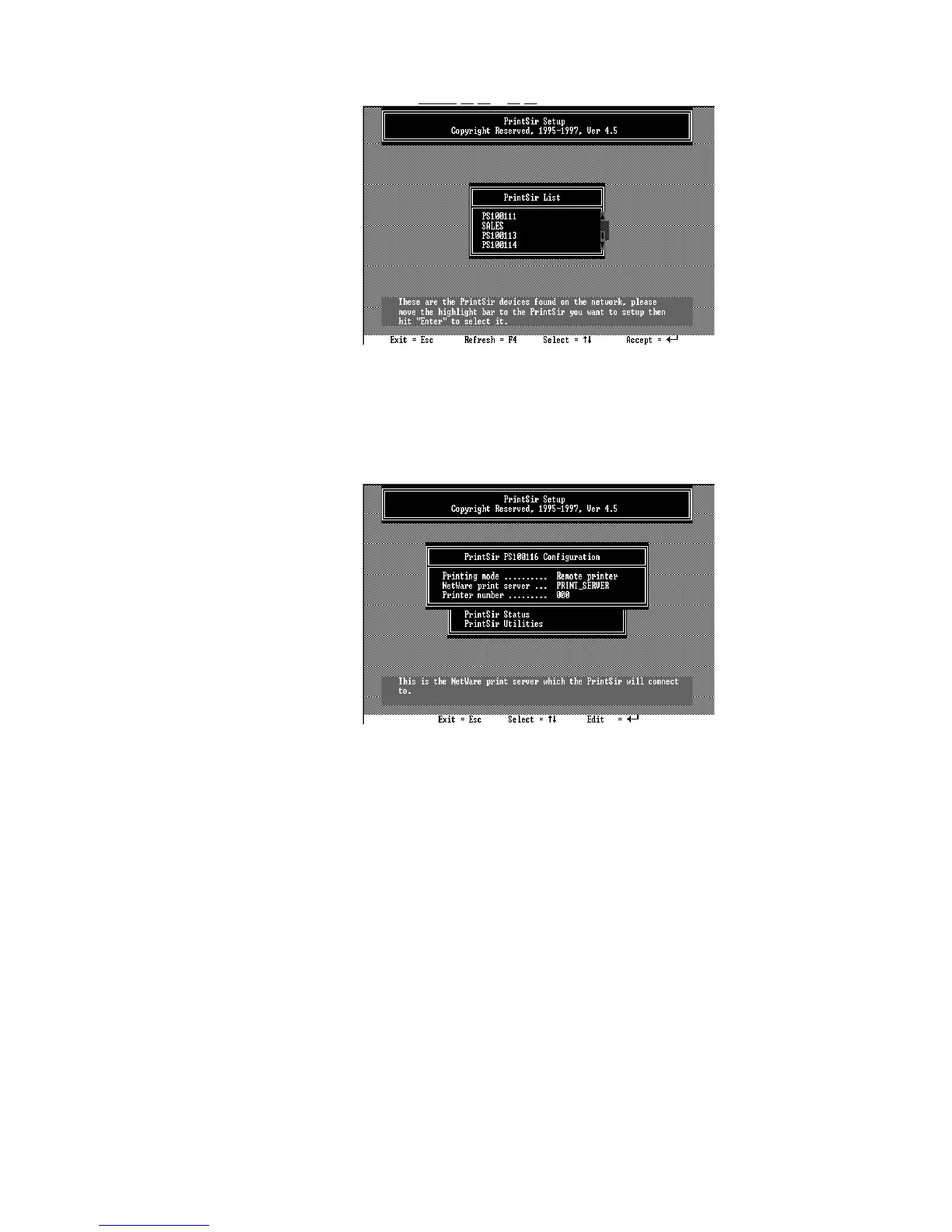
4. Choose NetWare Configuration from the menu.
5. Select Remote Printer in the Printing mode field.
6. Type the print server‘s name in the Print server
field. The print server will be serviced by the
PrintSir that is being configured as a remote
printer now.
7. Type the printer number assigned in PCONSOLE
in the Printer Number field.
8. Press Escape to exit the NetWare Configuration
screen, confirm that the changes should be saved,
and exit PSETUP.
9. At this point the PrintSir setup is complete.
58





 To Next Page