12
Ensure you have the latest firmware from the Edimax website for
your Edimax Pro products.
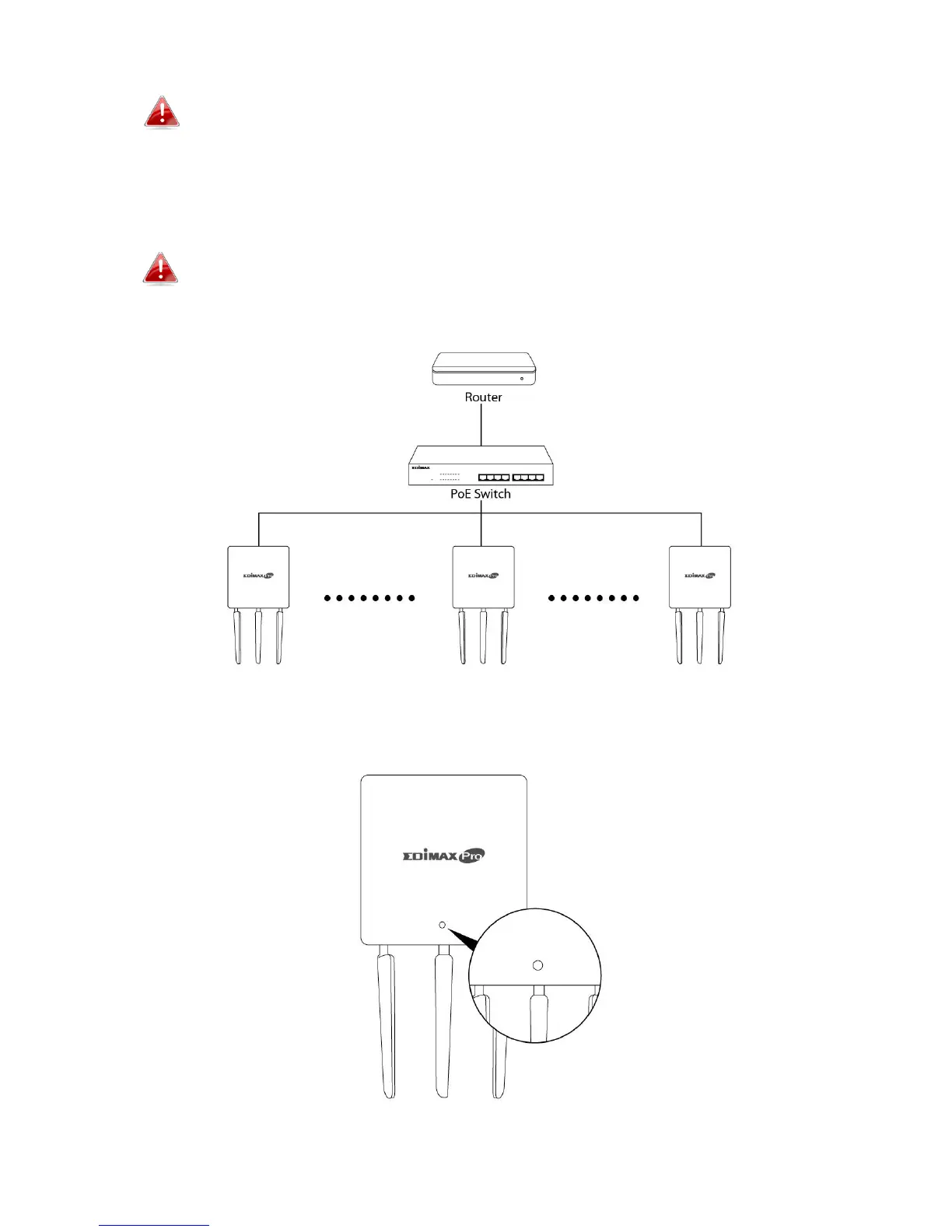
1. Connect all APs to an Ethernet or PoE switch which is connected to a
gateway/router.
You can use your router as a DHCP server or you can later
configure your AP Controller as a DHCP server.
2. Ensure all APs are powered on and check LEDs.



 To Next Page