9
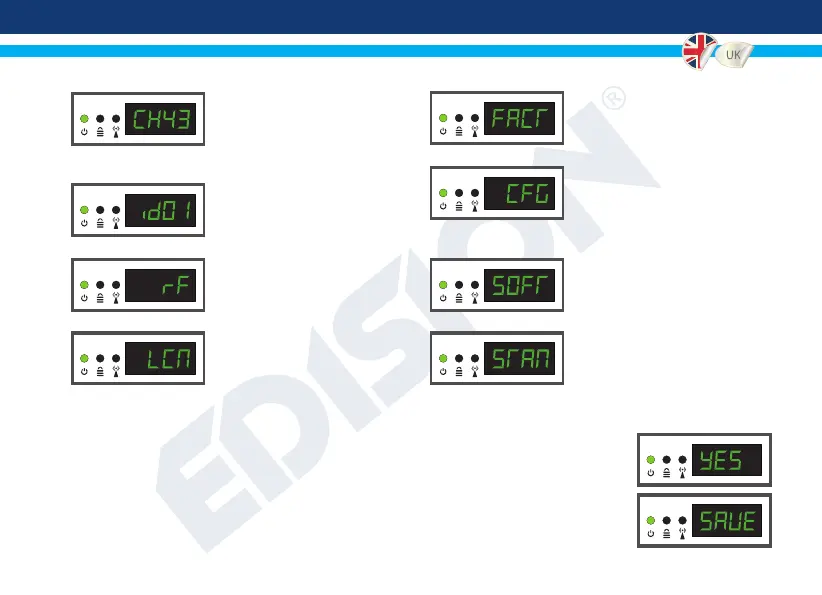
CH: Shows the current RF
channel output. Use the keys Up
& Down to select the desired RF
channel output.
ID: Shows the current ID. Use
the keys Up & Down to set the
desired ID.
RF: Shows the RF output level.
Use the keys Up & Down to
adjust to the desired RF level.
LCN: Shows the current LCN
type. Use the keys Up & Down to
set the desired LCN type.
FACT: Factory defaults.
Press key UP to restore factory
defaults.
CFG: Conguration le extraction.
Press key UP to extract the
current conguration to the USB
storage device.
SOFT: Shows the SW version.
Use the key
Up & Down
to display
the current SW version.
STAN: Shows the current TV
STANDARD. Using the «Up» and
«Down» buttons you select DVB-T
or ISDB-T.
To save the selected conguration press once the MENU/OK key and conrm with YES
or NO by pressing the LEFT and RIGHT keys and press MENU/OK key once again. The
conguration is being saved, please DO NOT power off the unit! This procedure must be
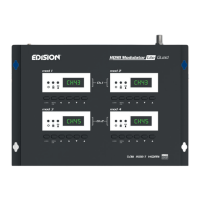
made separately, in each one of the 4 MODULATOR displays (MOD1, MOD2, MOD3,
MOD4).


 To Next Page