
 Need help?
Do you have a question about the Edison TX-928-H and is the answer not in the manual?
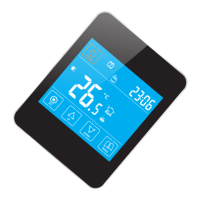
Lists key features of the TX-928-H series thermostat, including its 7-day program and touch screen.
Details technical specifications like consumption, power supply, output switch, and temperature limits.
Explains the different control modes (Manual, Time, Temporary) and icons displayed on the LCD screen.
Provides physical dimensions and front, back, and left views of the thermostat unit.
Covers basic operations like power on/off, temperature adjustment, key-lock, and time setting.
Details advanced configurations for temperature compensation, sensor selection, and program modes.
Illustrates the electrical connections for the thermostat and external loads.
Shows the physical steps required for mounting the thermostat unit.
Lists common faults like 'No display' or sensor errors with their reasons and solutions.
 General
| Brand | Edison |
|---|---|
| Model | TX-928-H |
| Category | Thermostat |
| Language | English |

 To Next Page