2.28 Programming Manual
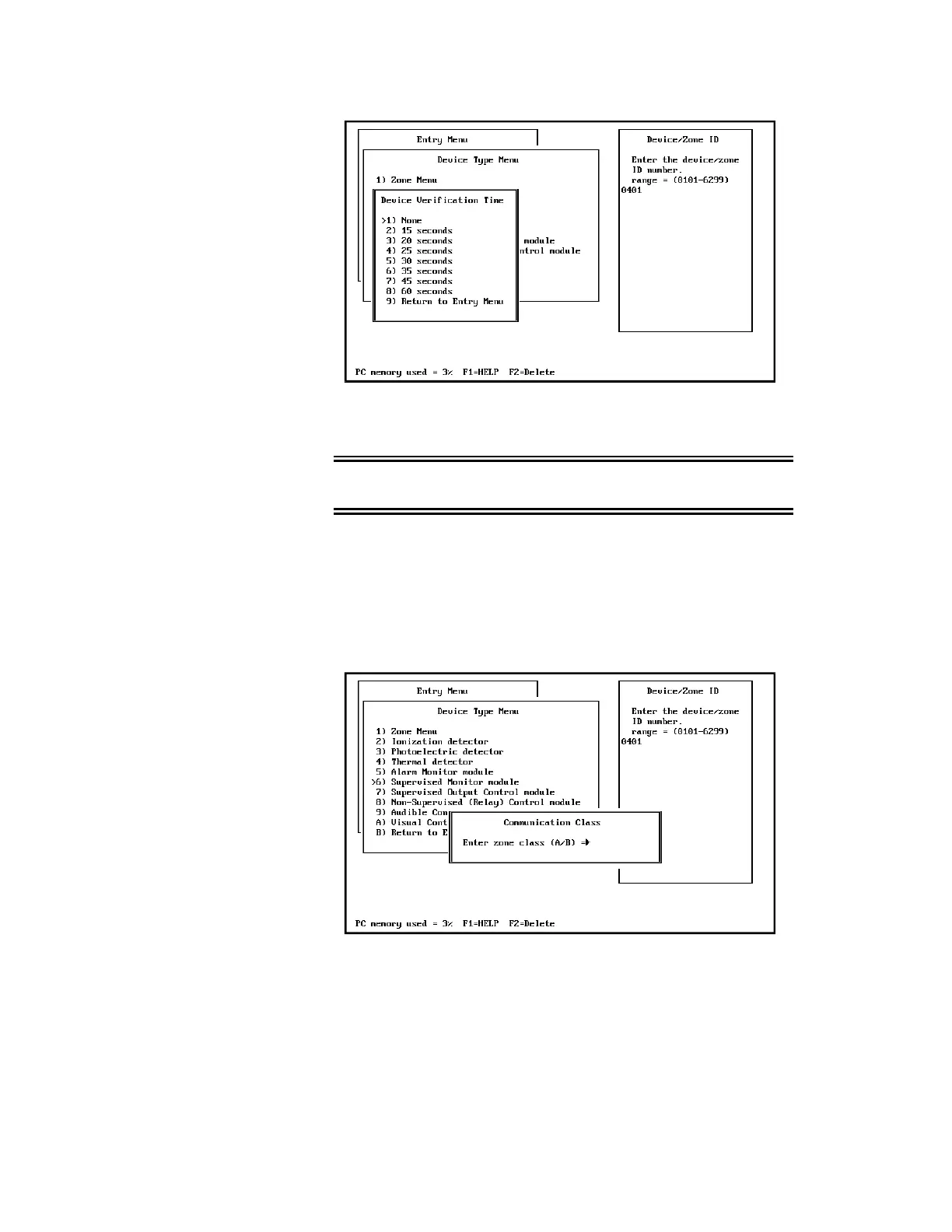
Note: This screen will allow the entry of a verification time so that an
alarm monitor module can provide alarm verification.
WARNING: This will not cause the smoke power to drop on the power
supply associated with the ZAS card powering the M501M or M500MF.
Supervised Monitor Module
1) Entry Menu > 4) Enter Device/Zone Types > 4) Supervised Monitor
Module
When selecting 6) Supervised Monitor Module from the menu, the
following screen is displayed:
Enter the wiring class of the supervised zone.
Control Modules
1) Entry Menu > 4) Enter Device/Zone Types
> 7) Supervisory Output Control Module
> 9) Audible Control Module
> A) Visual Control Module



 To Next Page