Programming Manual 2.33
Master Coding
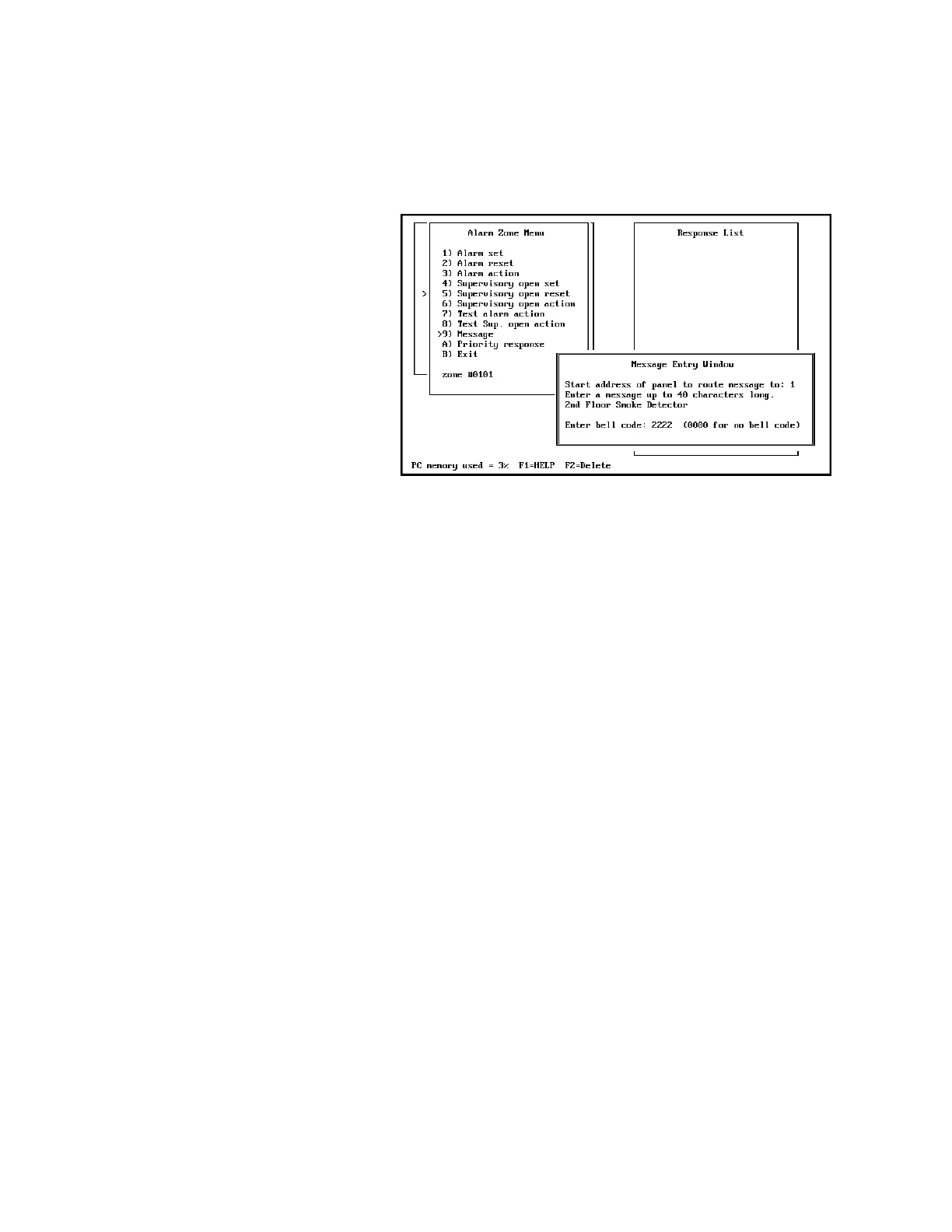
Placing a code number in the area marked for bell code will provide
that code at the CM1(N) or RMDP-1N panel. The entry of this type of
coding is shown in the following display:
The code may be a 1, 2, 3 or 4-digit code. Placing “0” in the digit space
will eliminate that bit as a code number.
Example:
4-digit code = 1234
3-digit code = 1230
2-digit code = 1200
1-digit code = 1000
To broadcast a BELL-CODE to a CM2N:
1. Use Master Coding.
2. Place the "-b," in the Project Name of the CM1N Configuration
Menu.
3. Enable the CM2N(s) bell coder in its Configuration Menu.
Zone Coding
Since a code number is attached to a message and the message may be
routed to a secondary printer port, the code may also be routed to a
secondary location by using the message routing feature. If the code is
sent to a secondary location, the code number must be placed in the
body of the message, preceded by a "#" symbol. The zone code will
always be output to the CM1(N) or RMDP-1N and to the remote panel
to which the message is routed. The entry method for this type of
coding is as follows:



 To Next Page